PS Basic
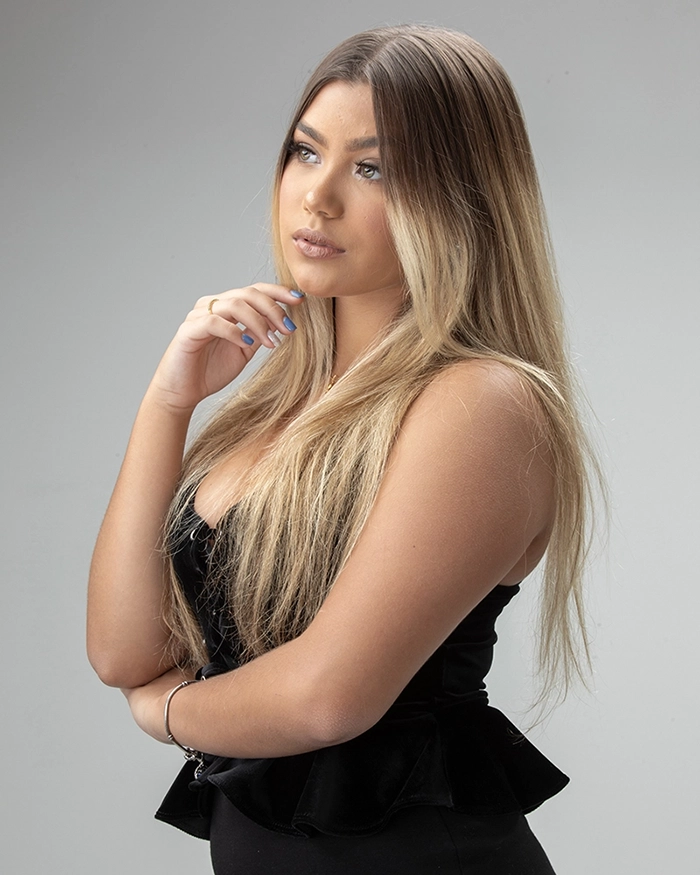
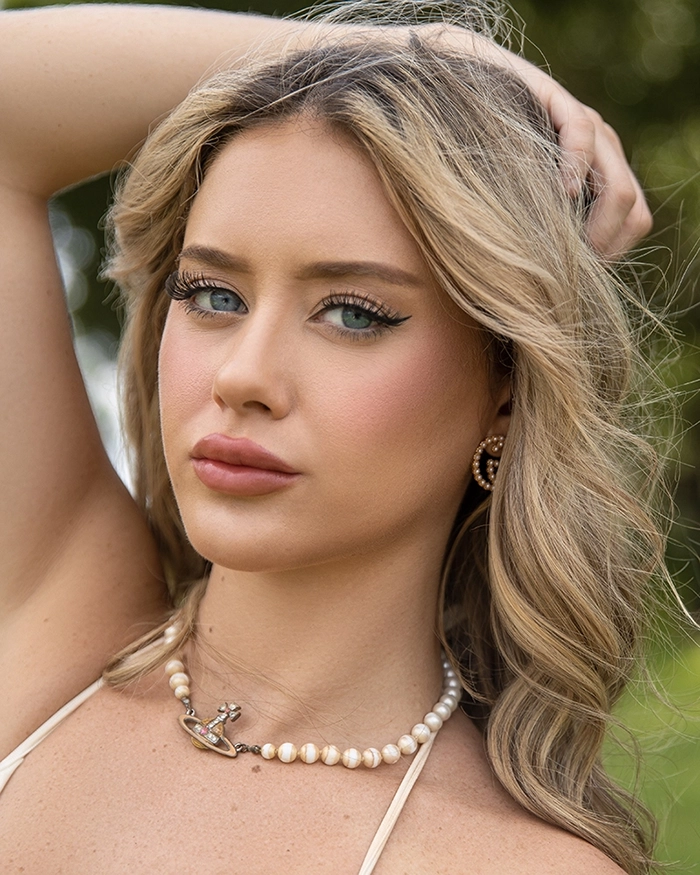
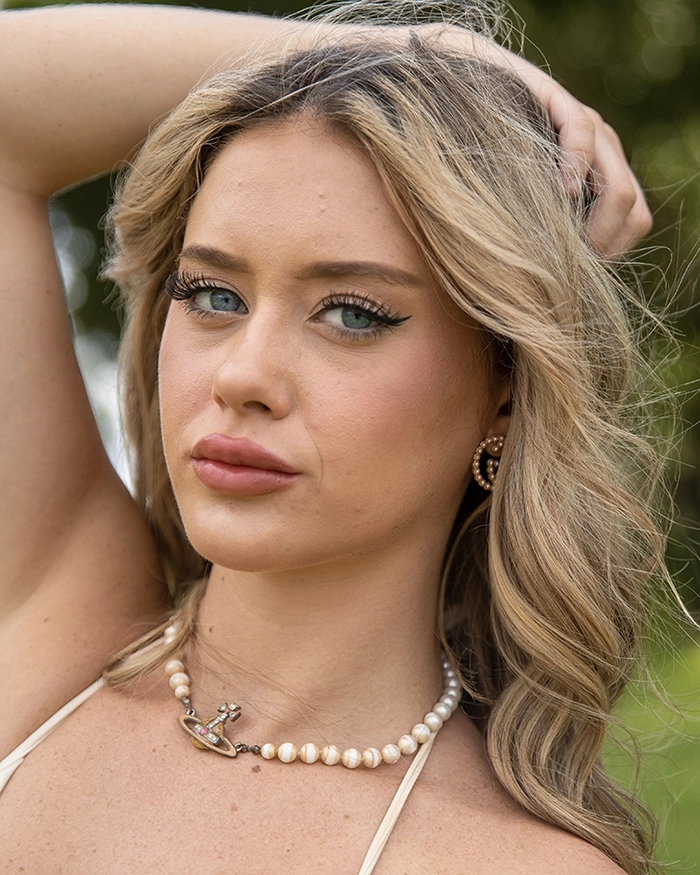
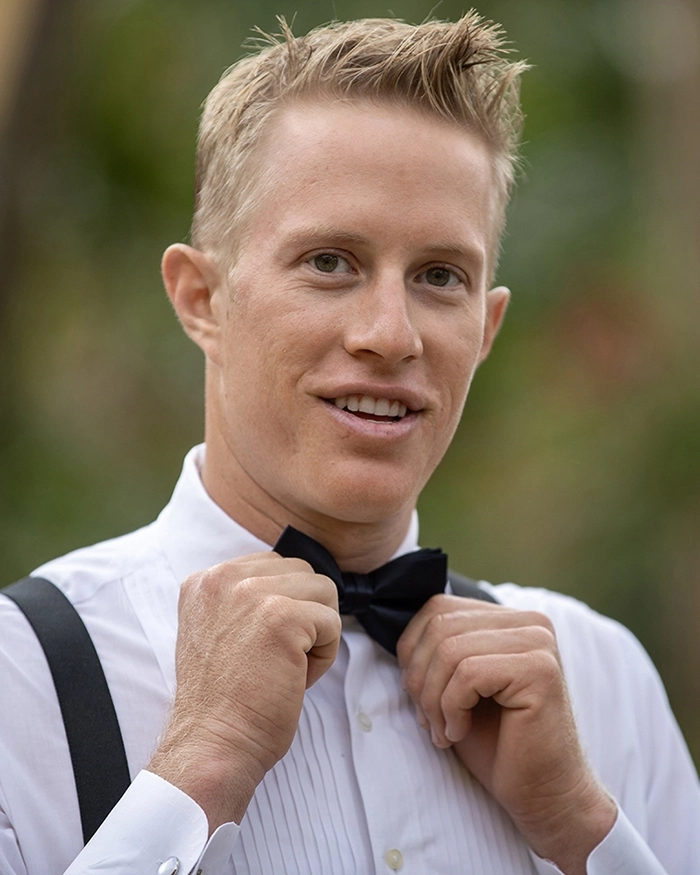
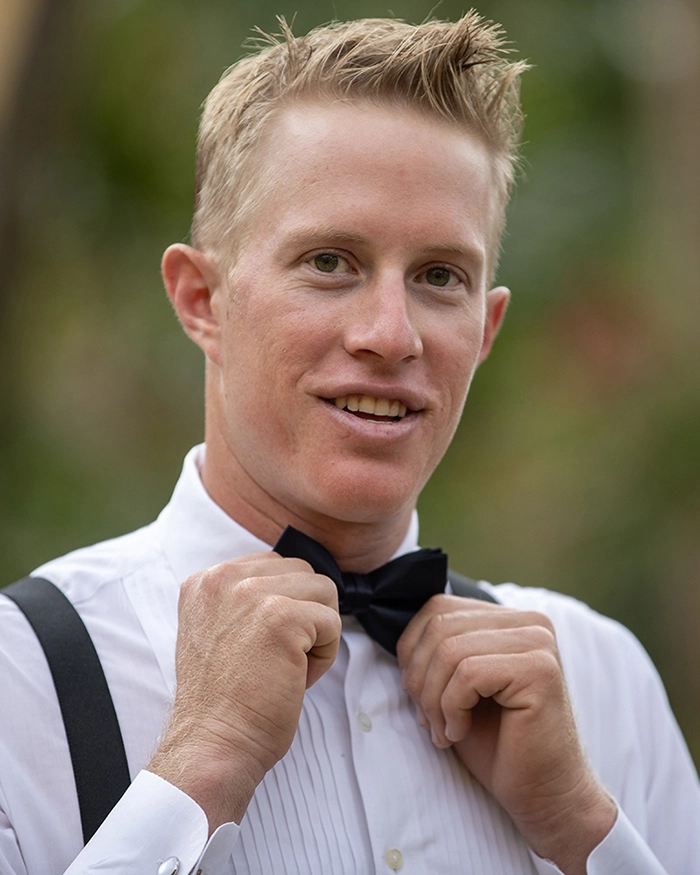
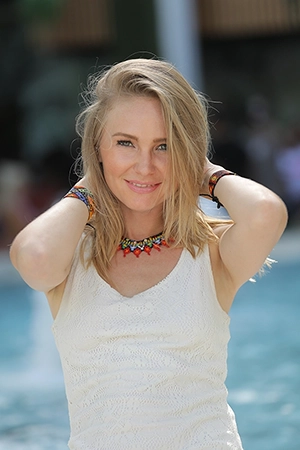
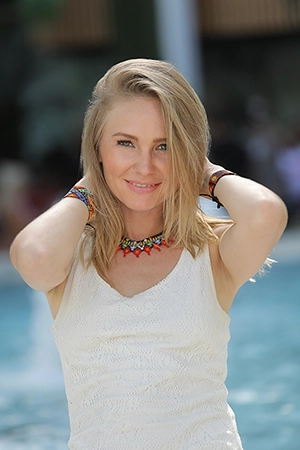
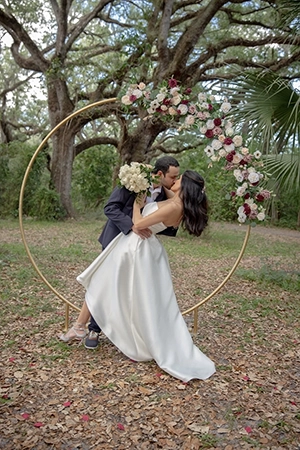
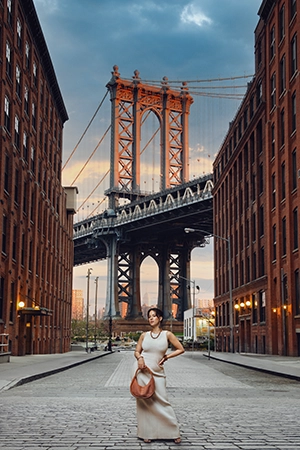
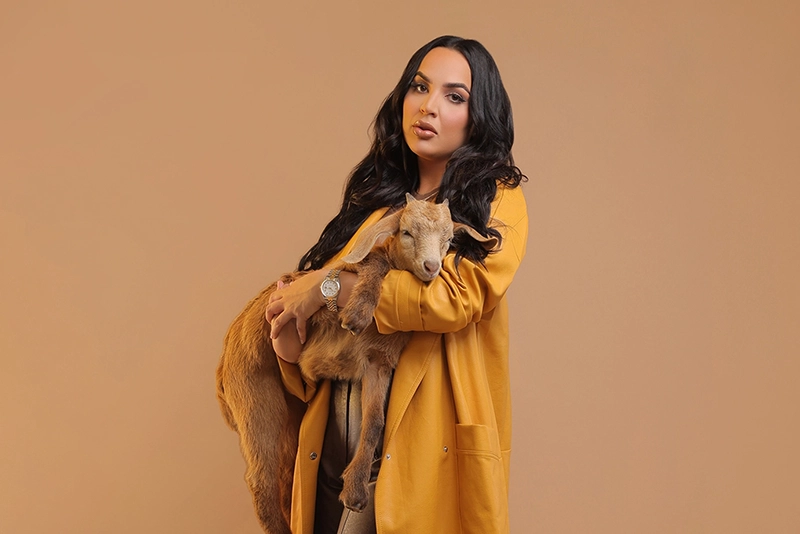
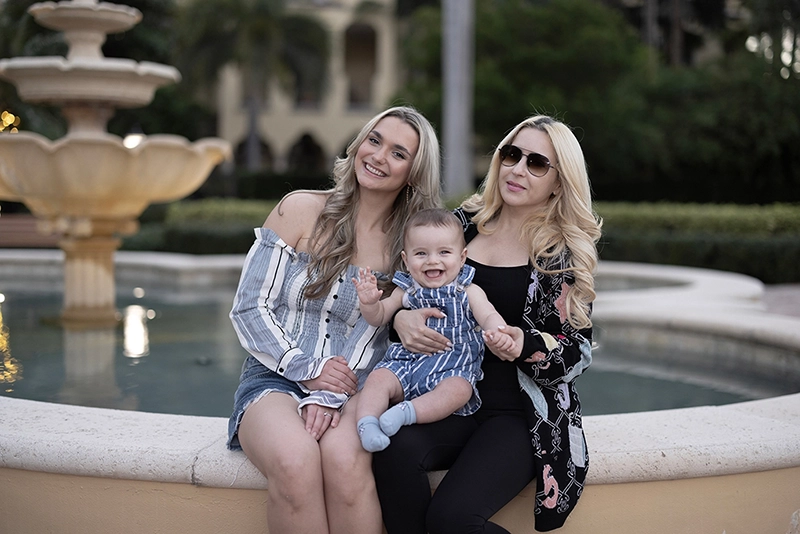
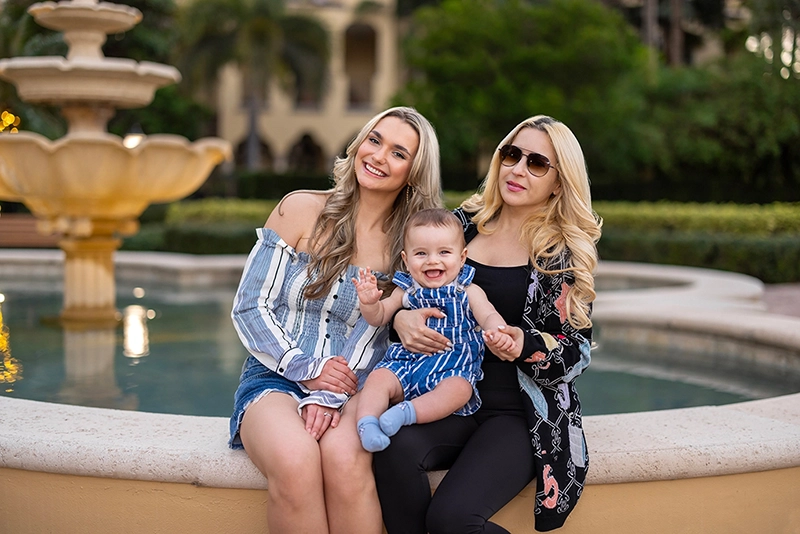
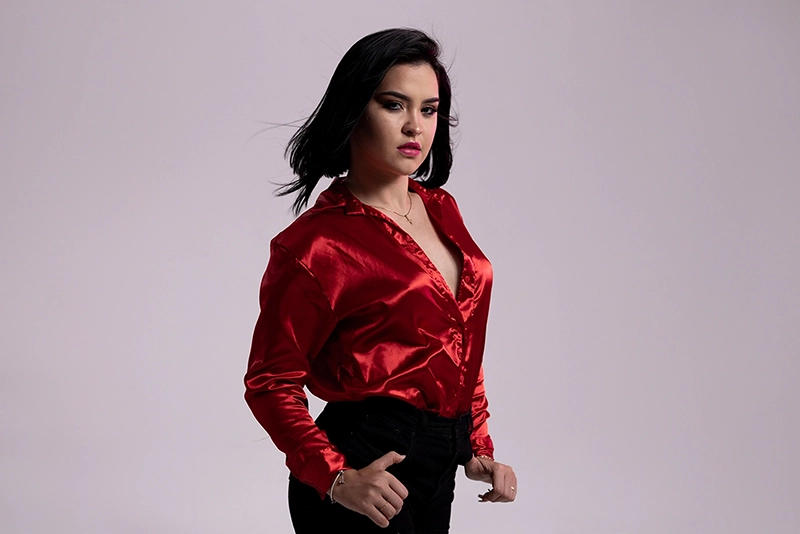
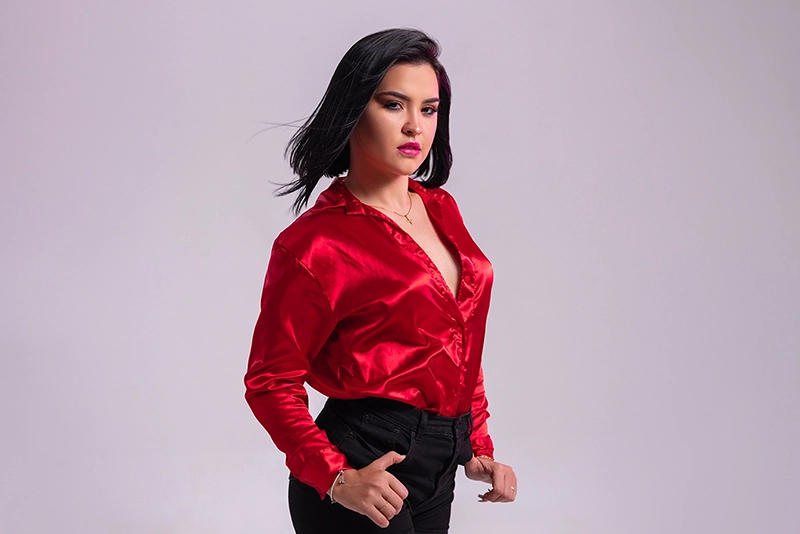
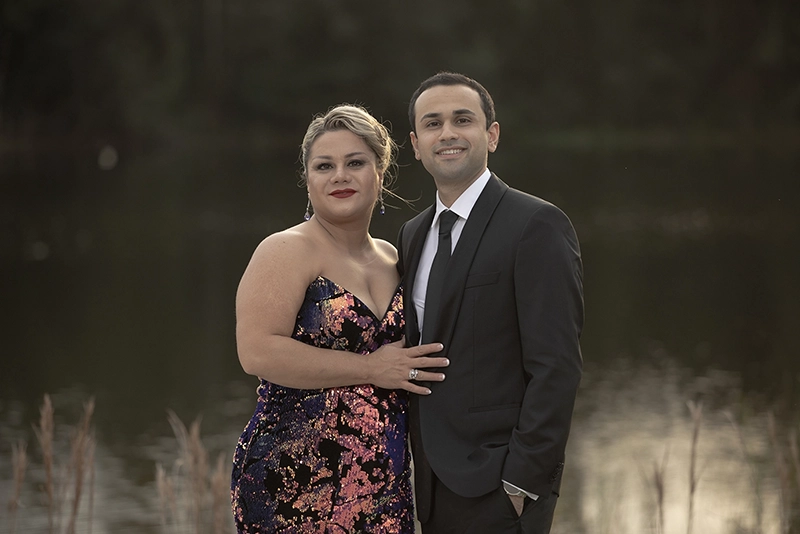
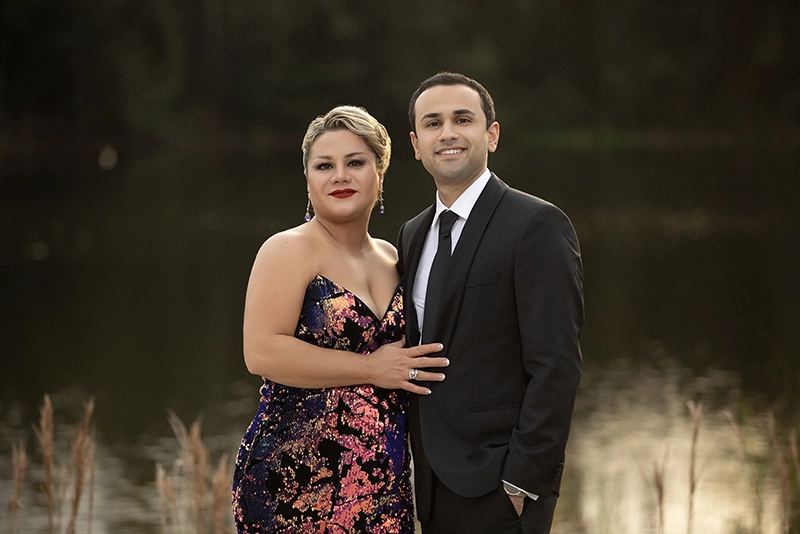
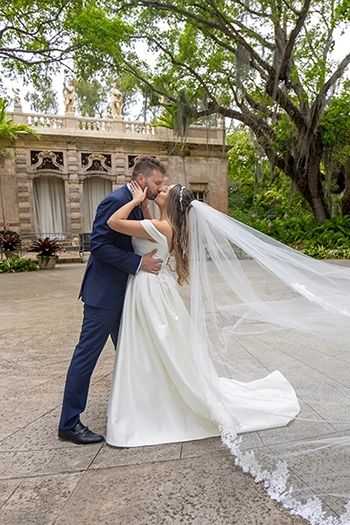
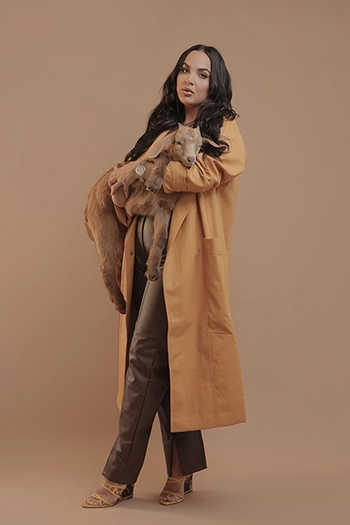
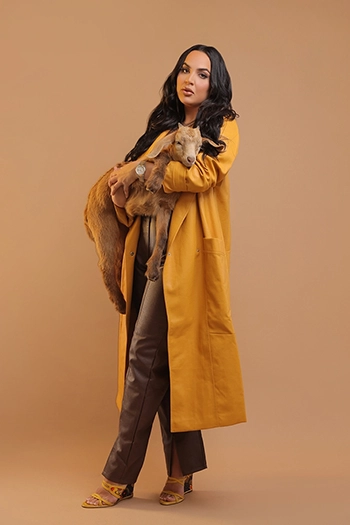
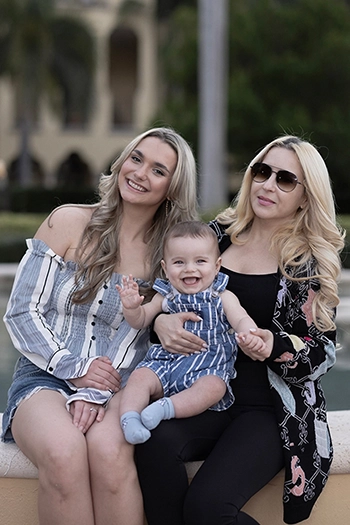
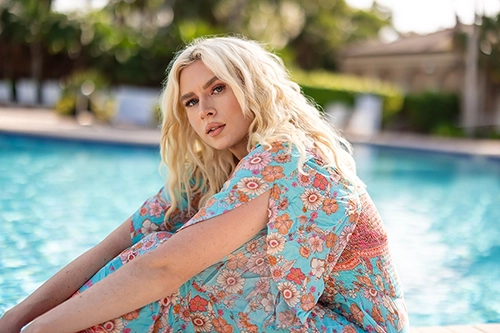
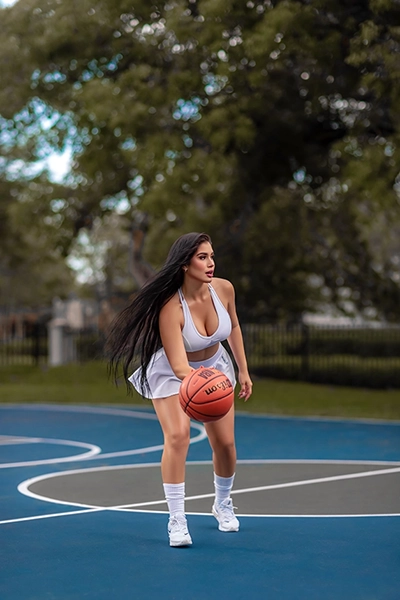
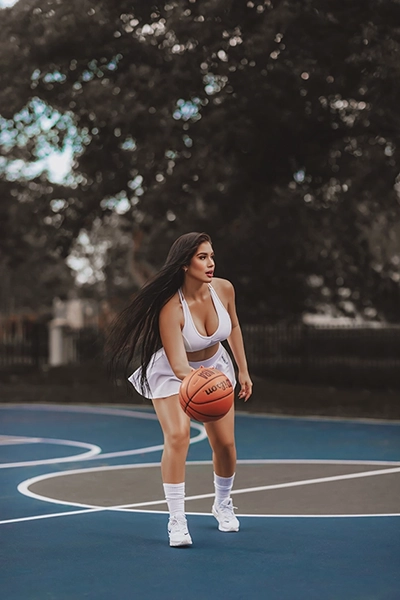
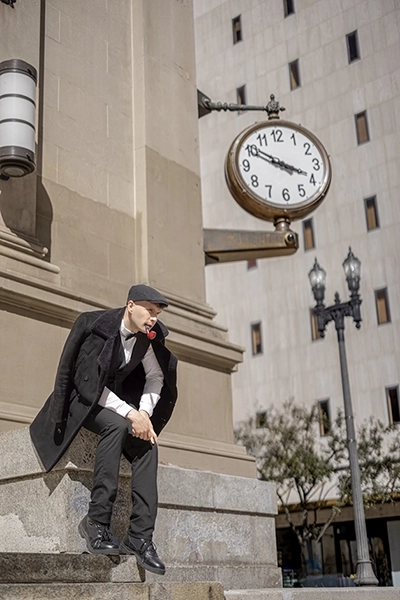
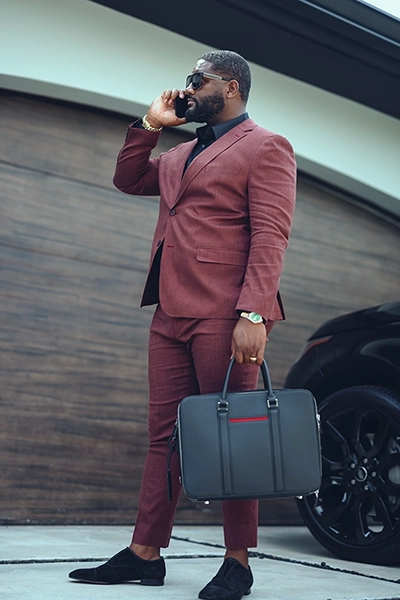
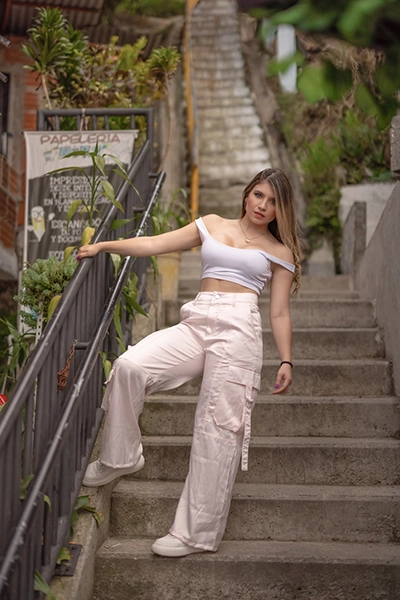
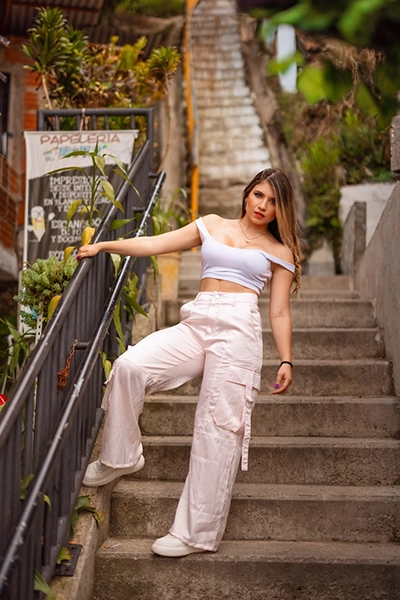
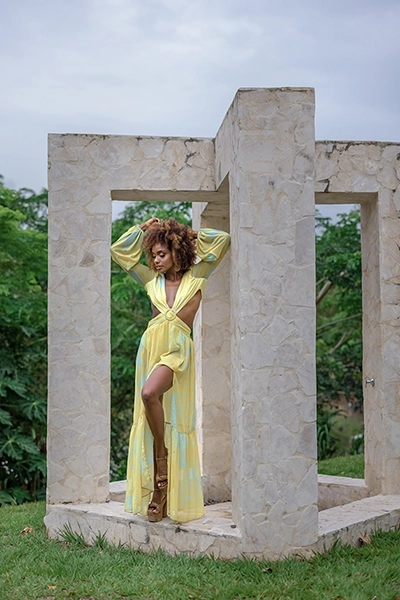
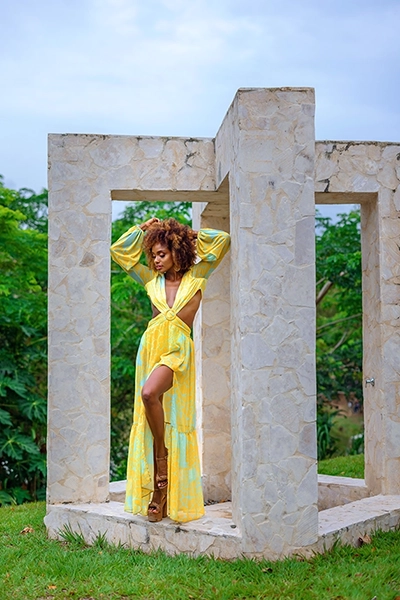
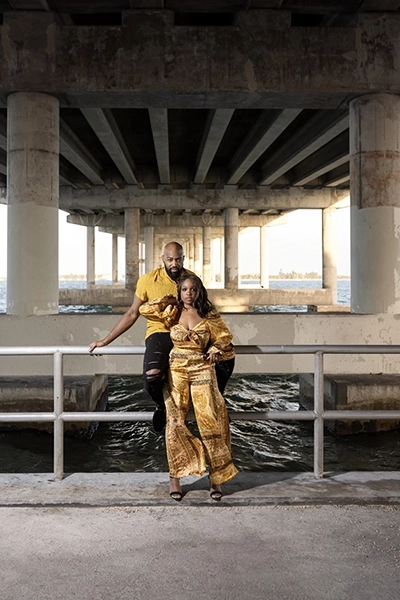
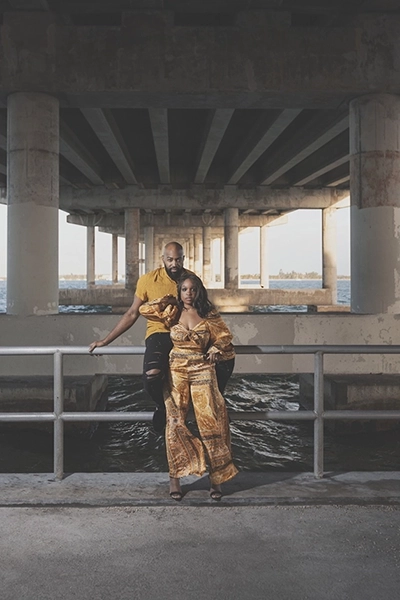
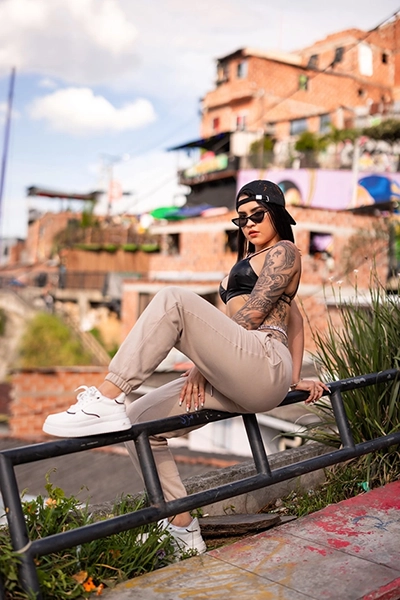
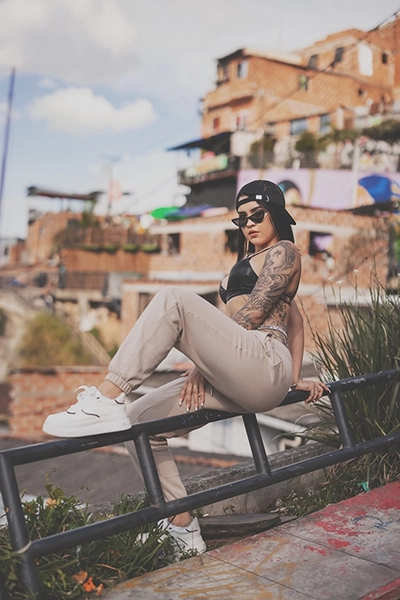
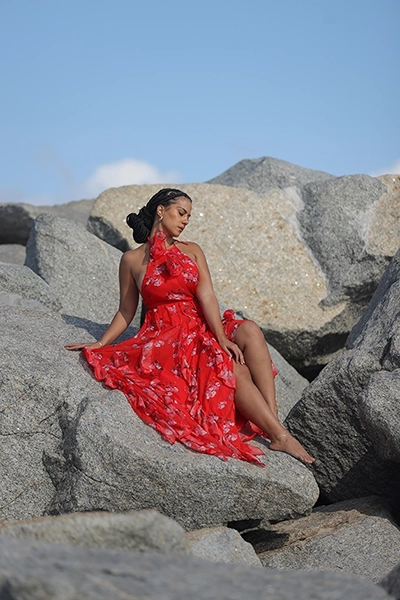
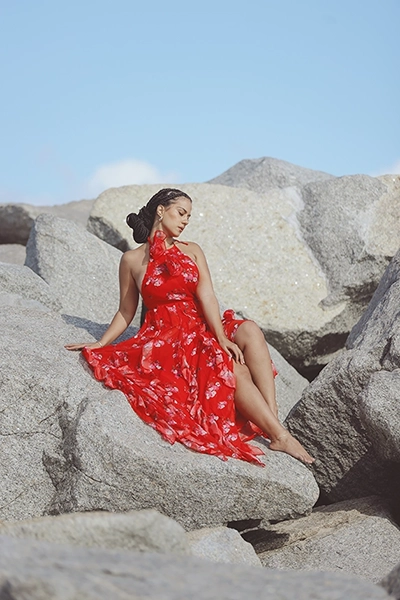
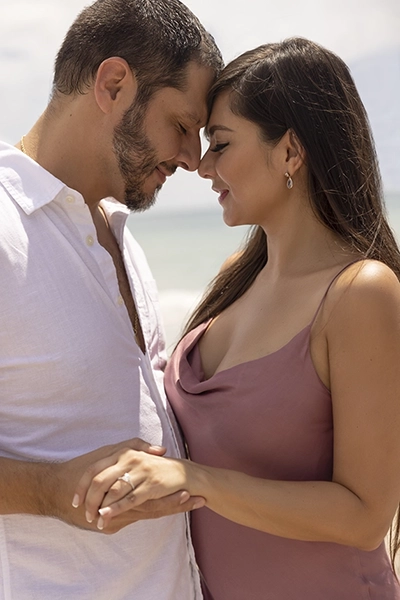
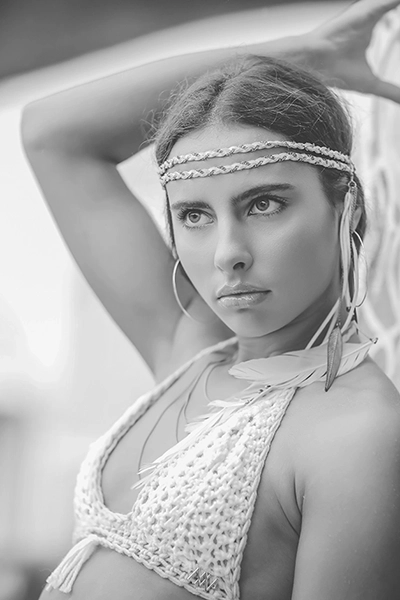
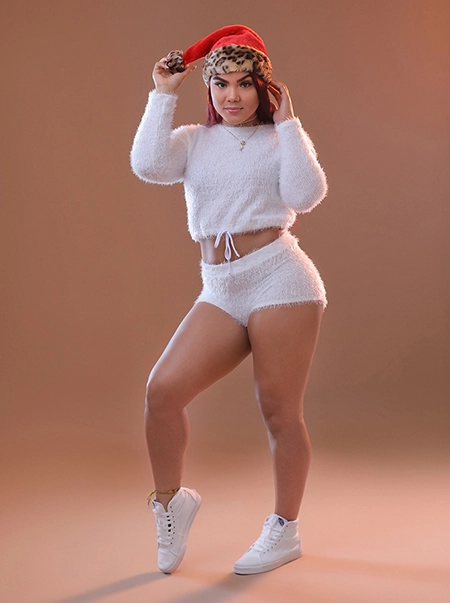
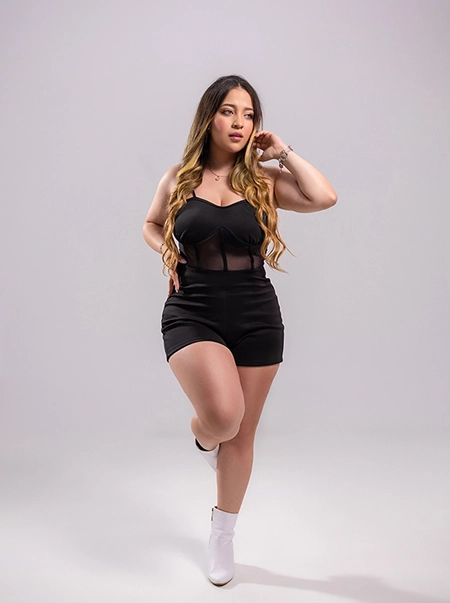
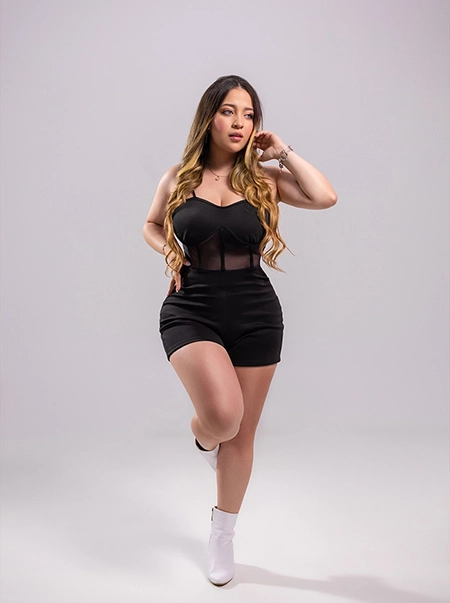
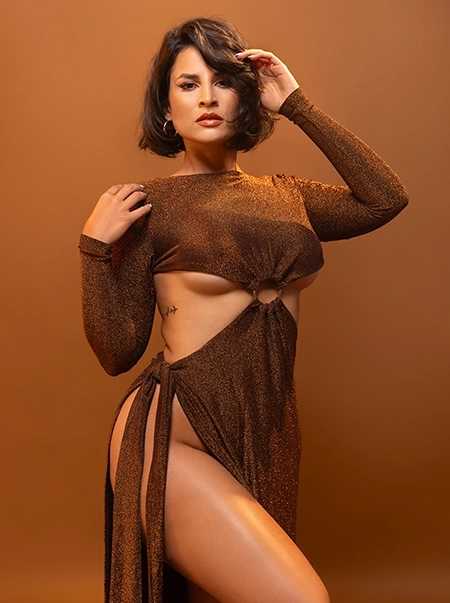
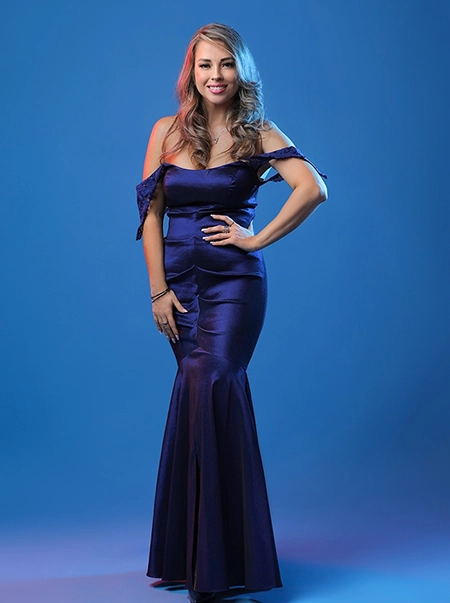
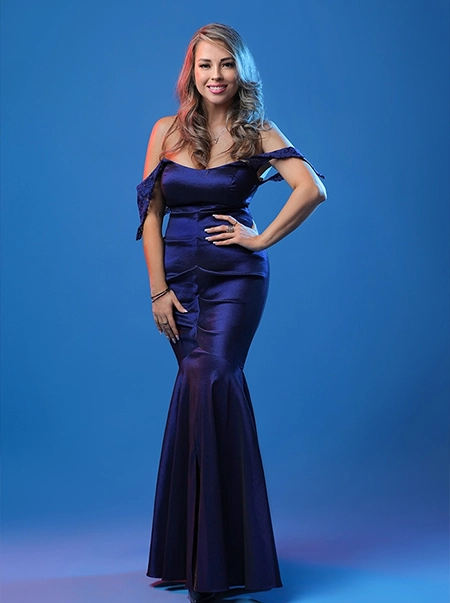
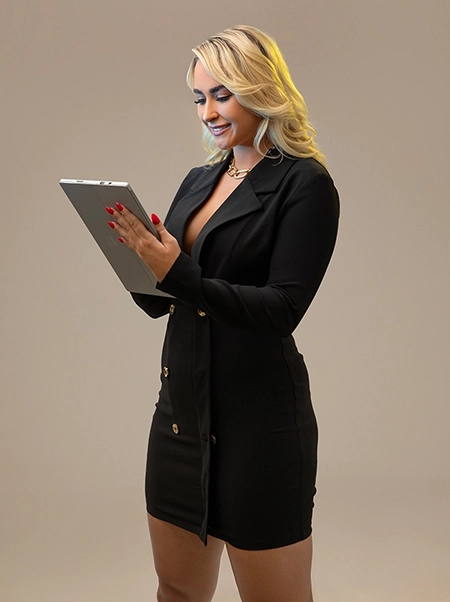
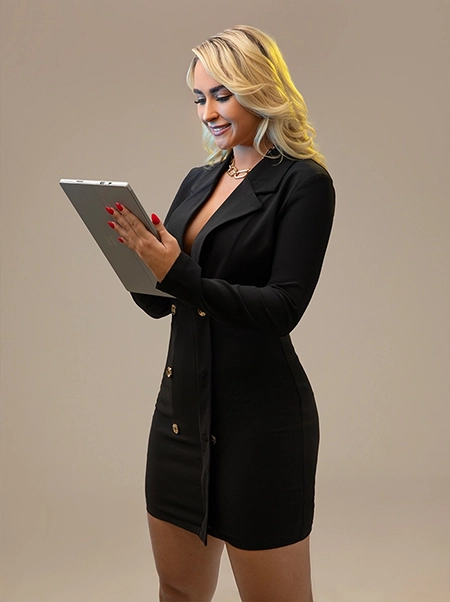
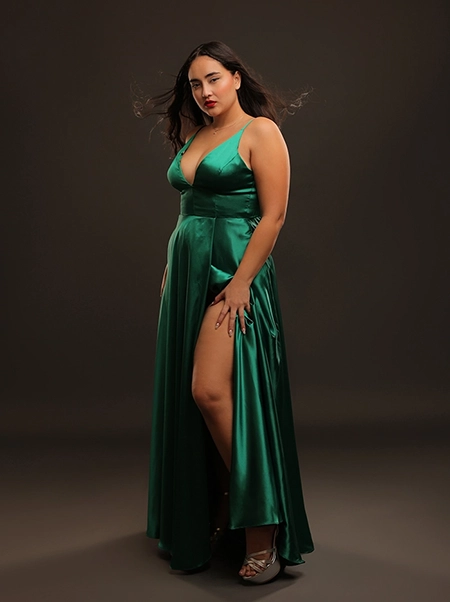
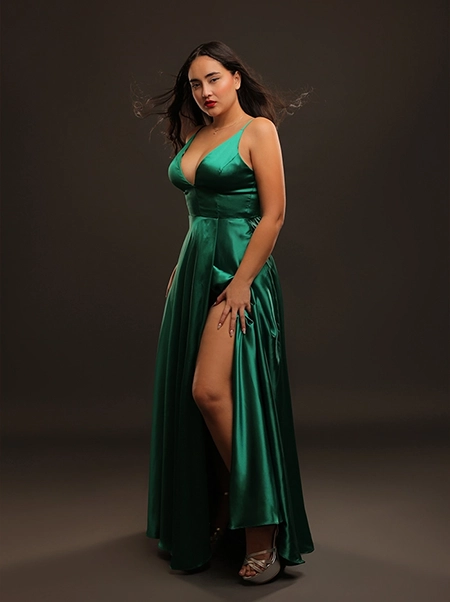
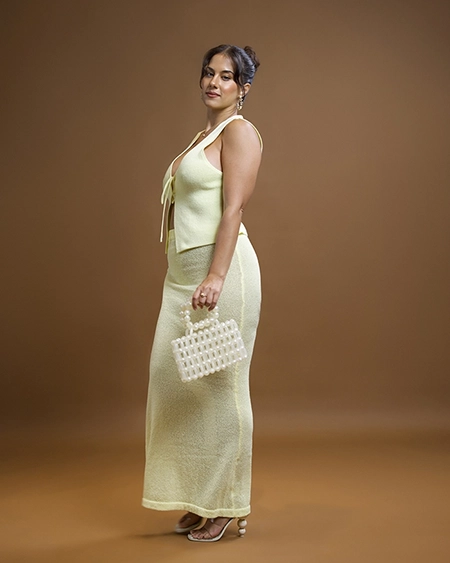
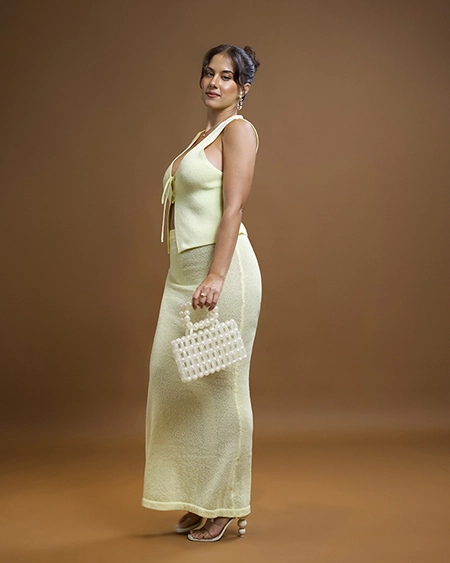
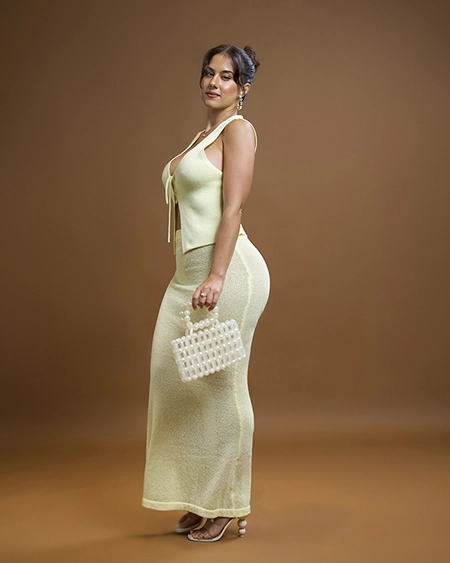
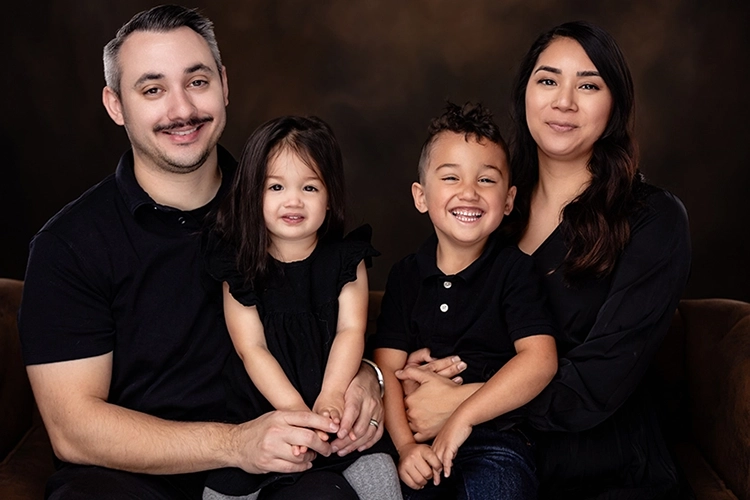
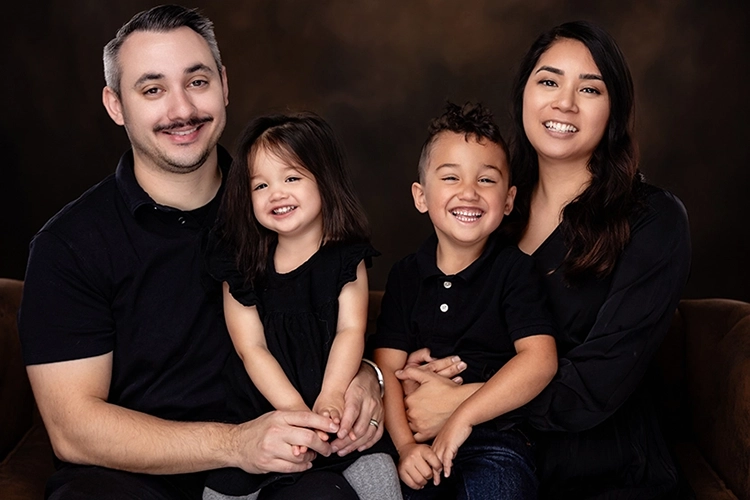
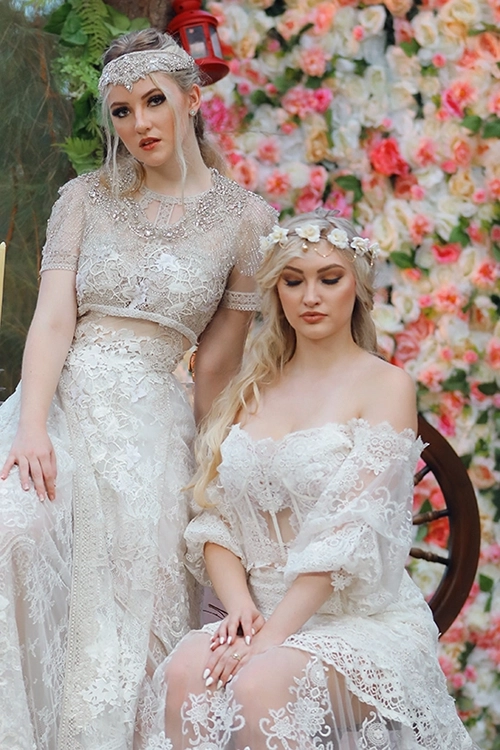
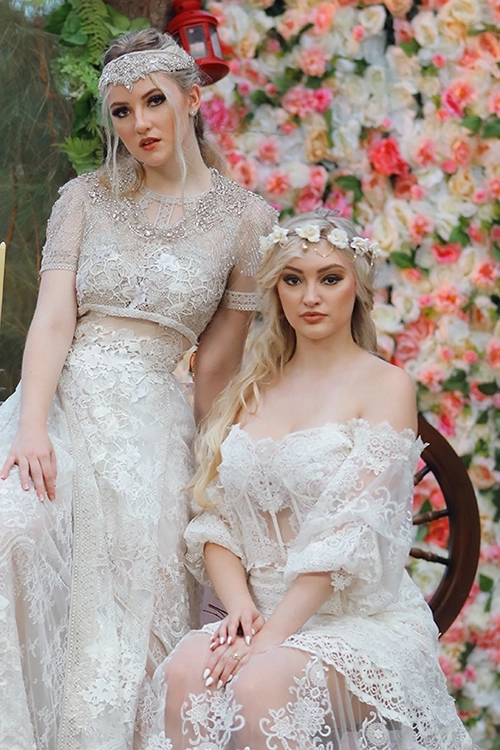
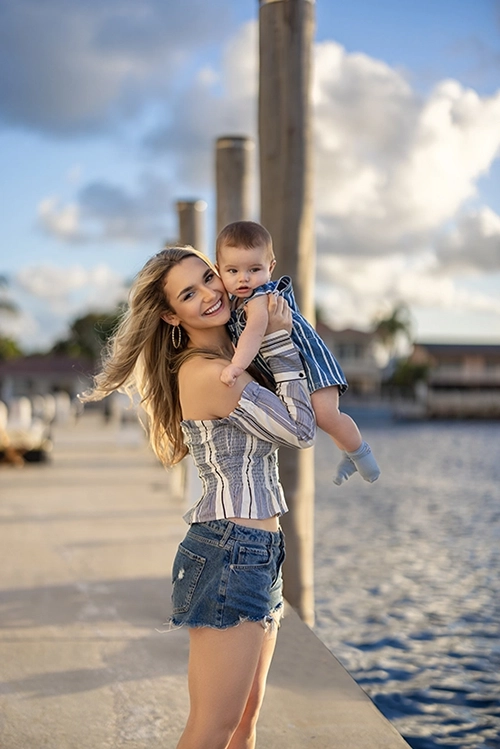
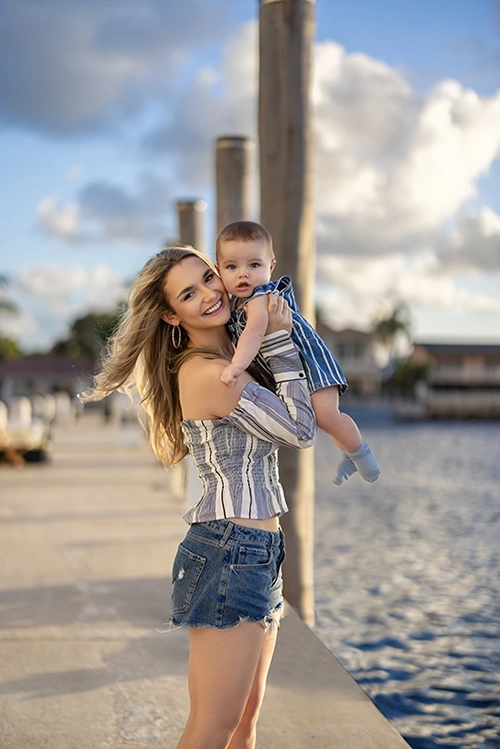
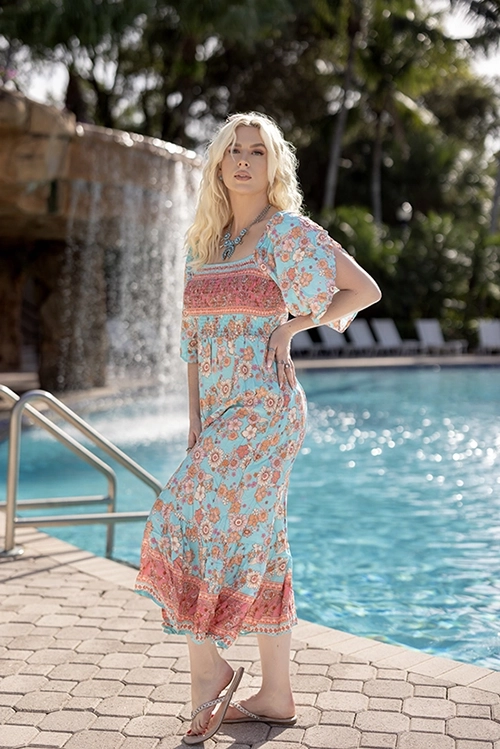
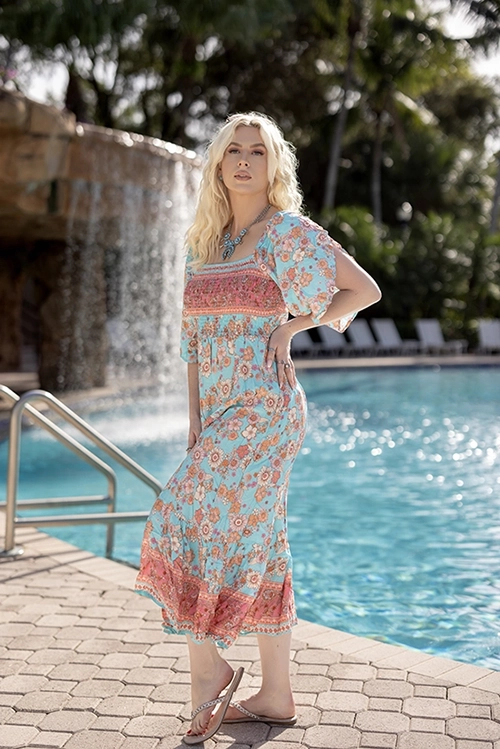
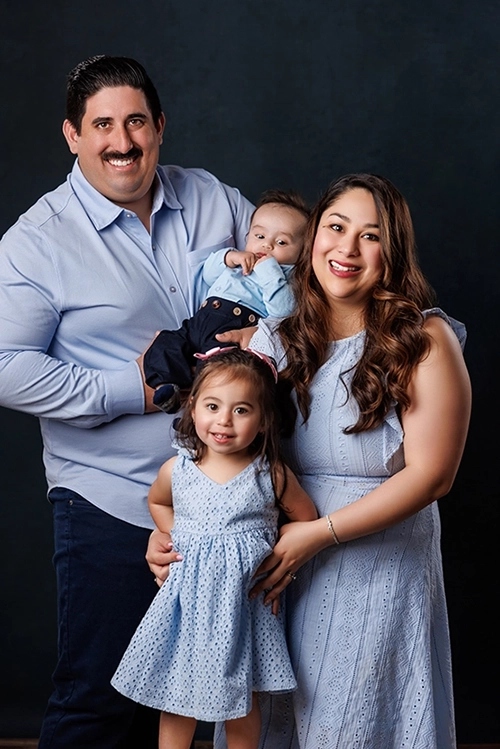
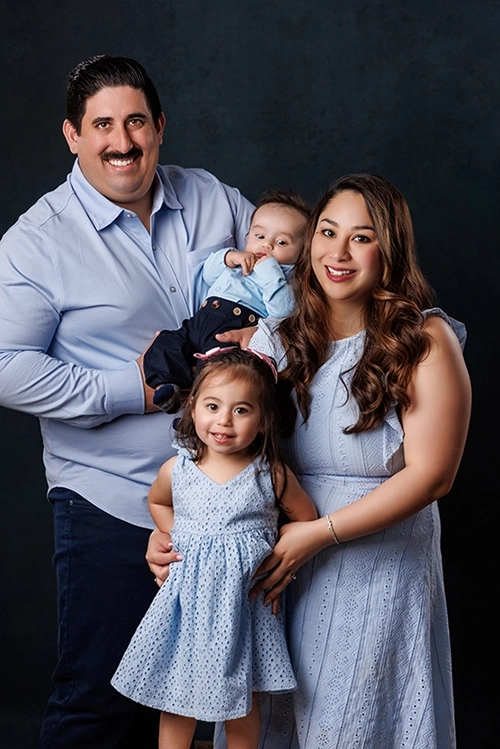
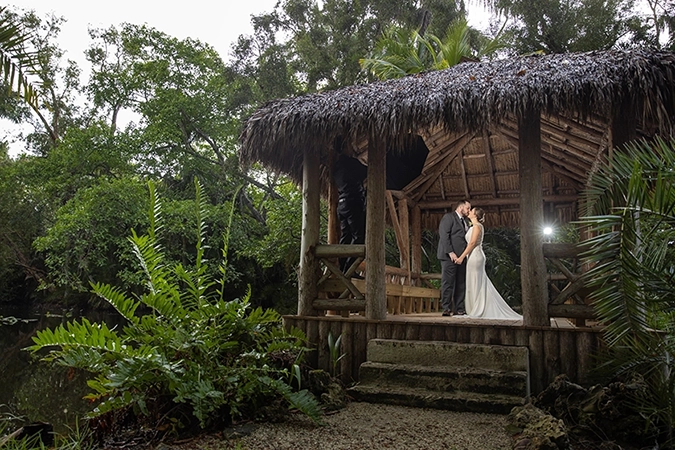
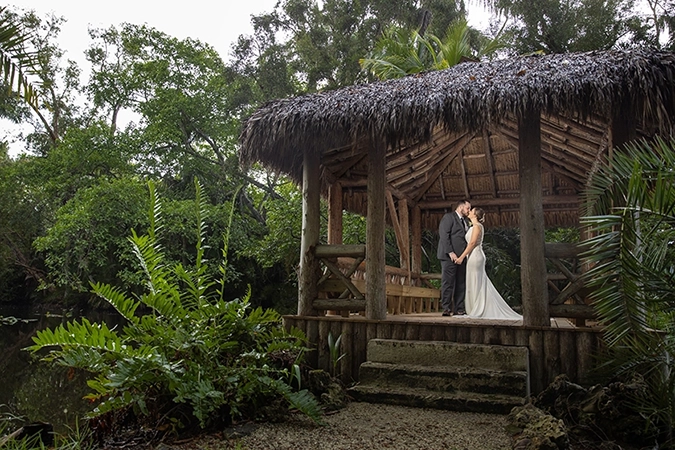
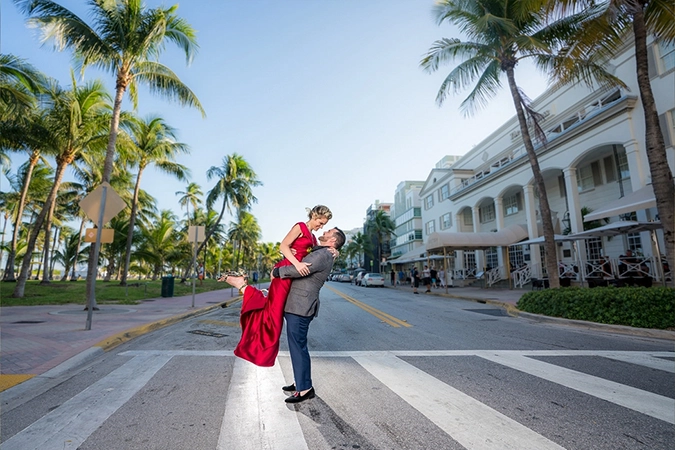
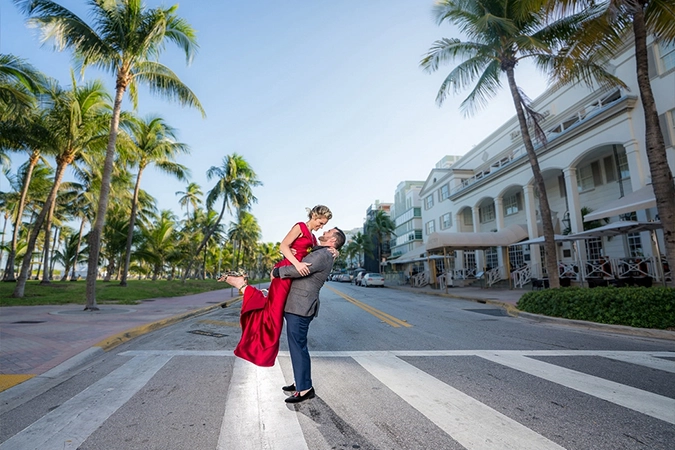
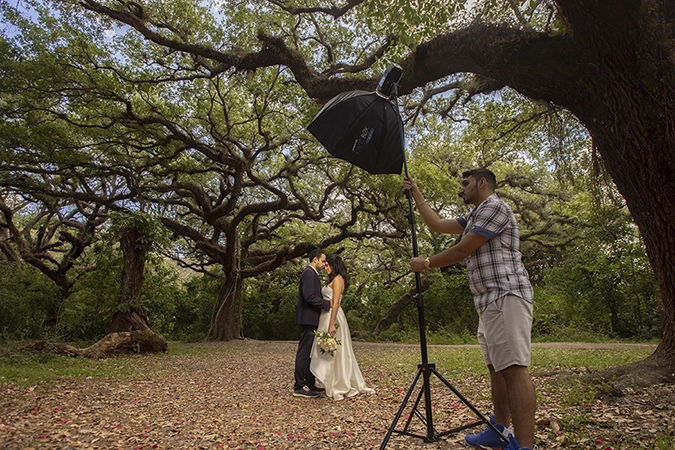
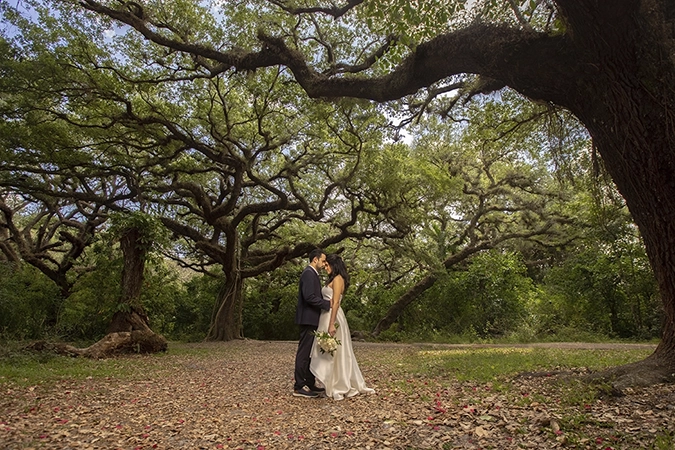
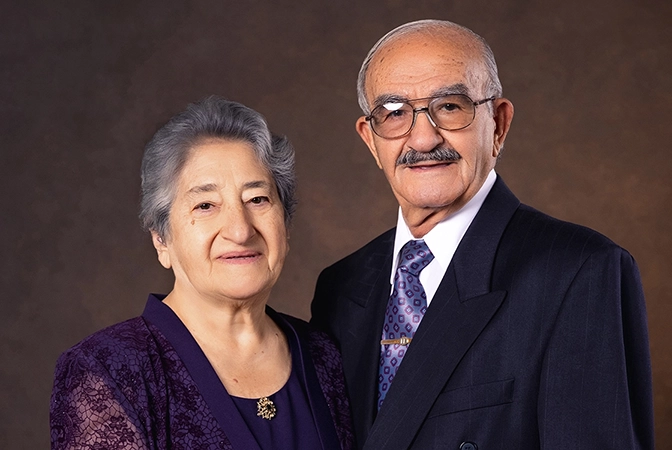
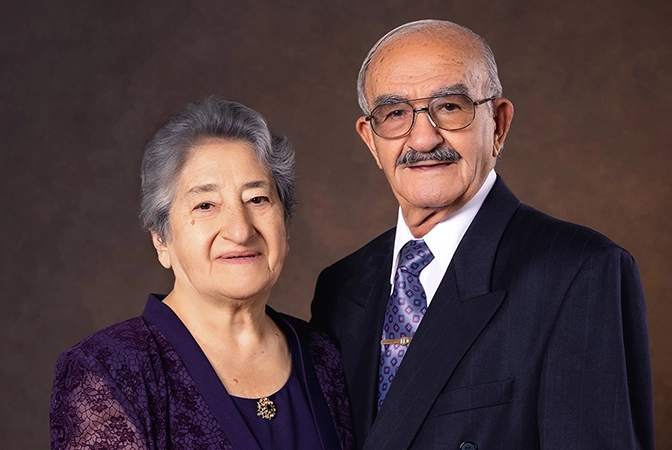
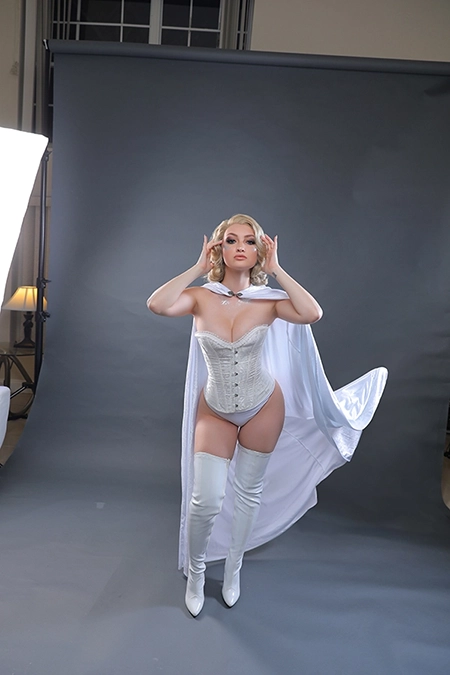
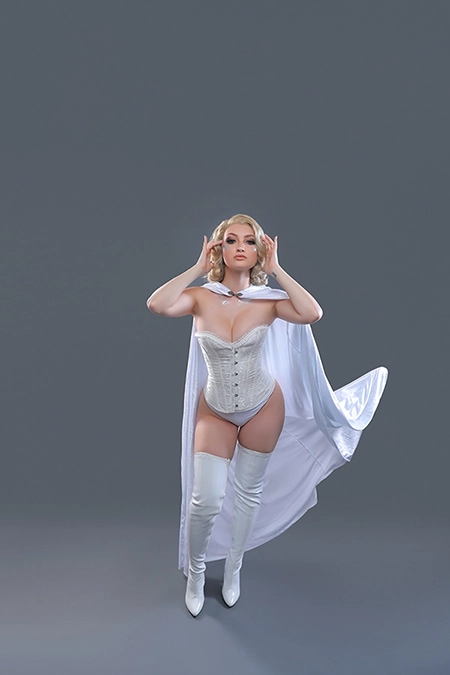
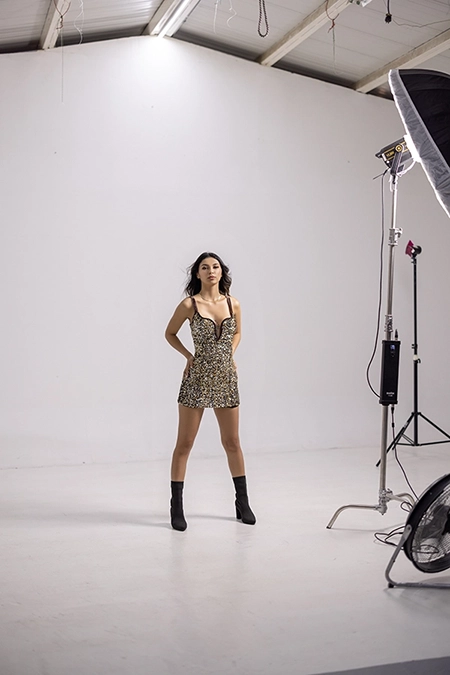
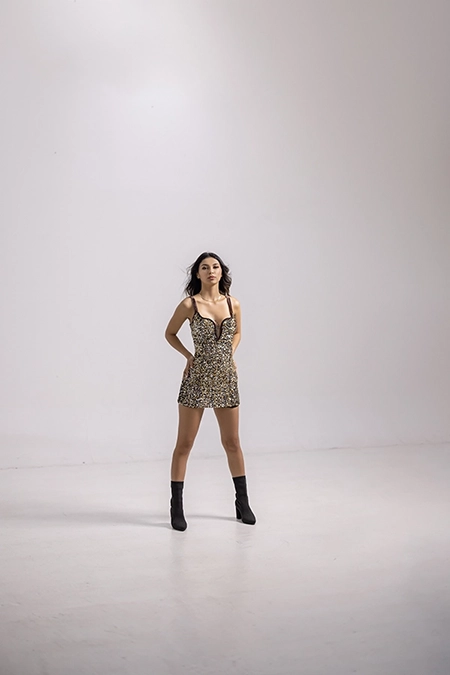
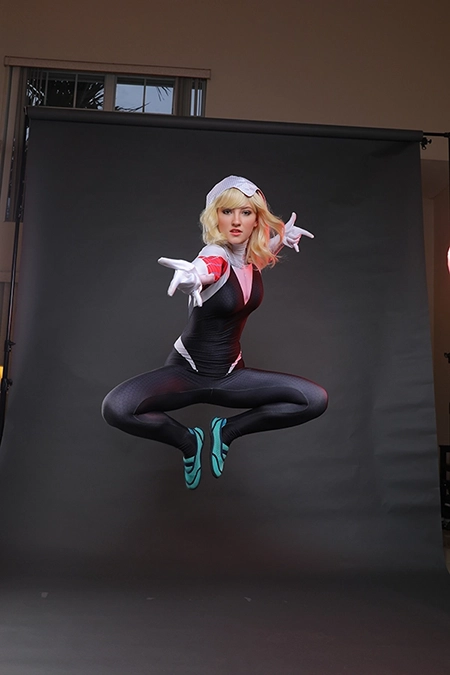
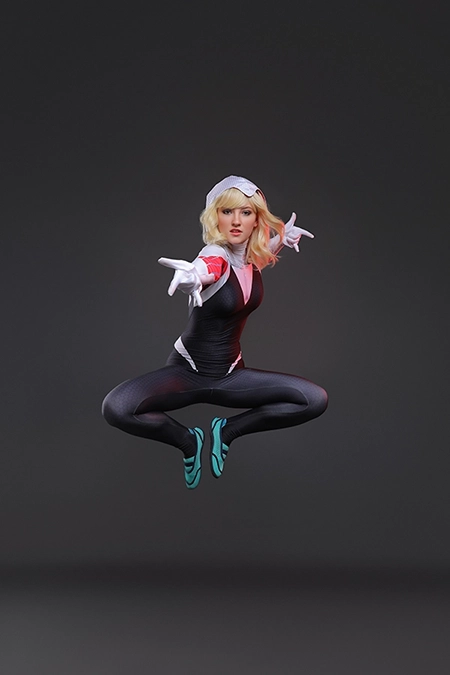
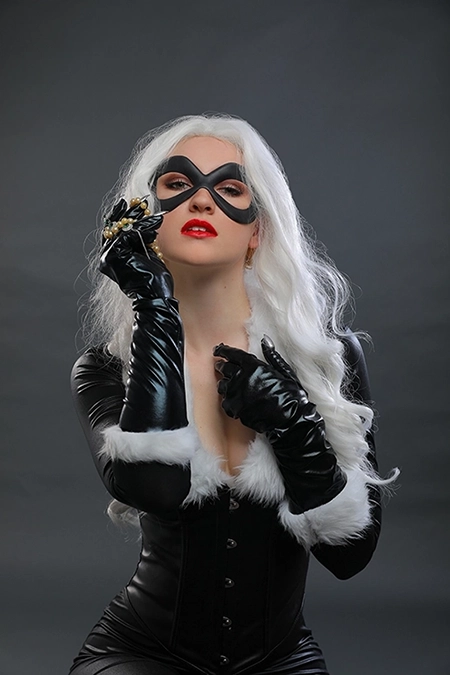
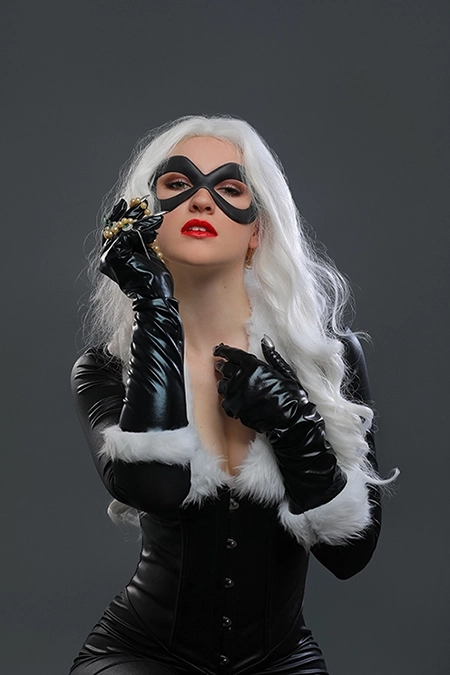
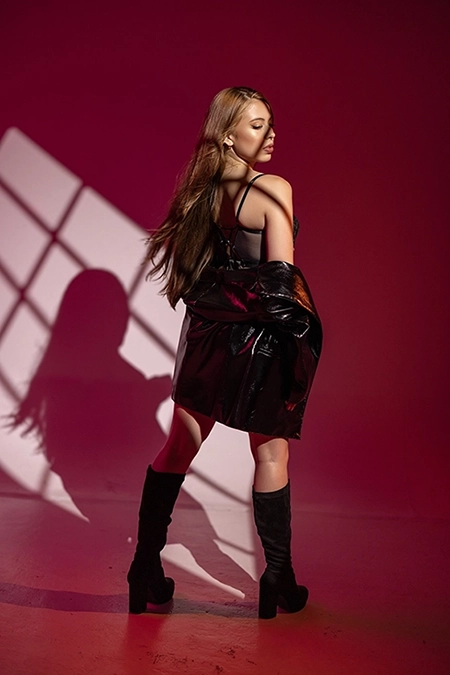
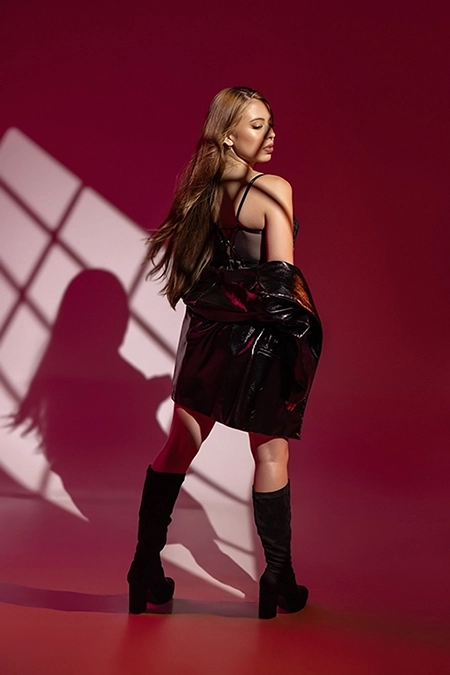
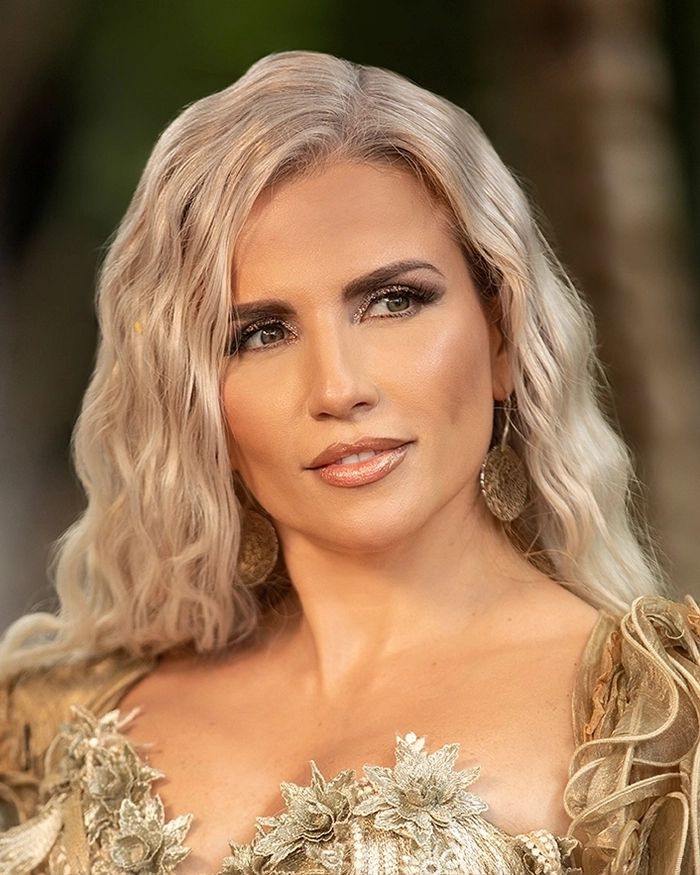
Our PS Basic service offers a combination of color correction, retouching, and a diverse set of adjustments with multiple a la carte options.
No Membership
$4 | Per Image
Pro Membership
$3.2 | Per Image
Basic Membership
$3.6 | Per Image
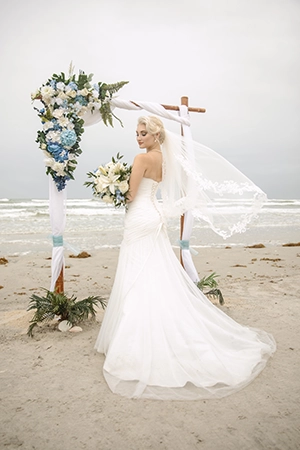
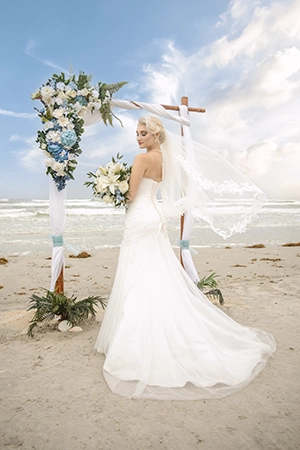
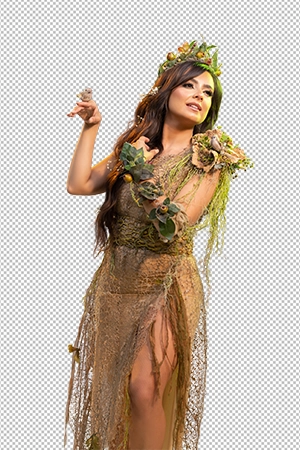
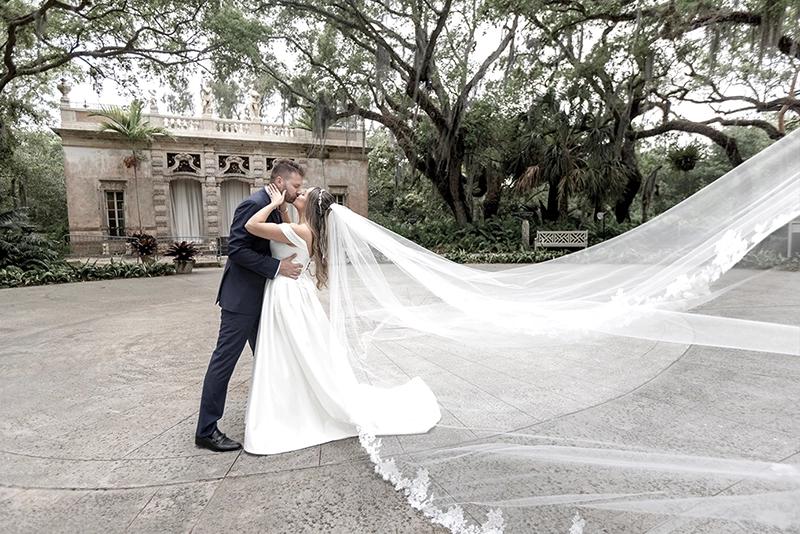
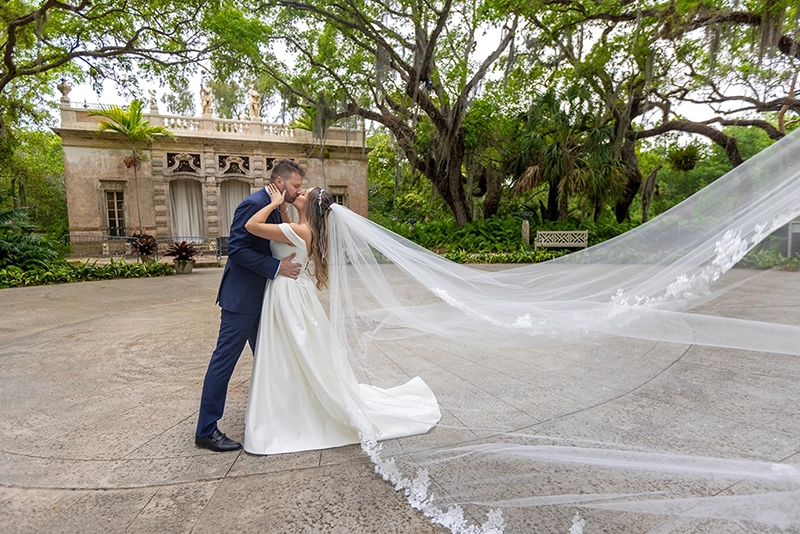
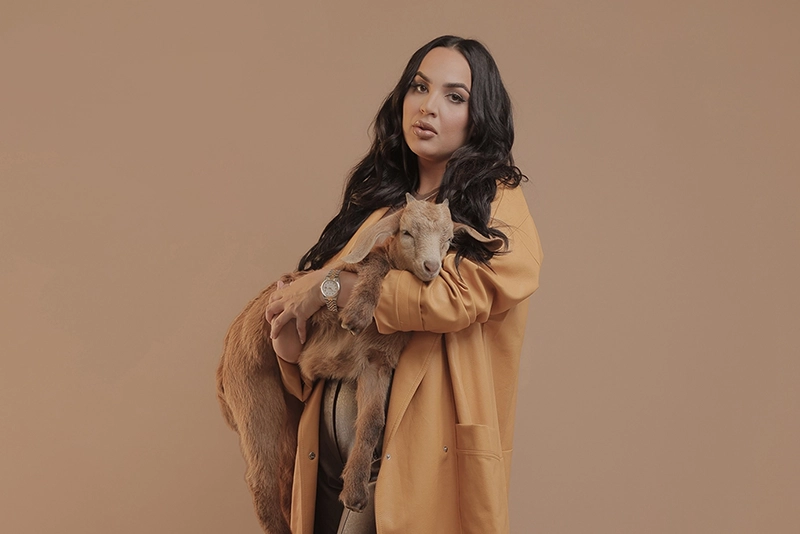
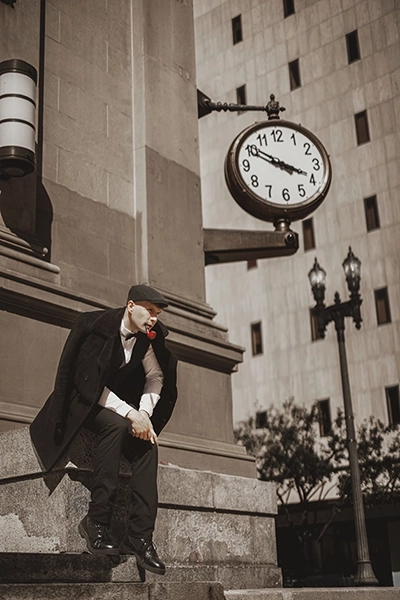
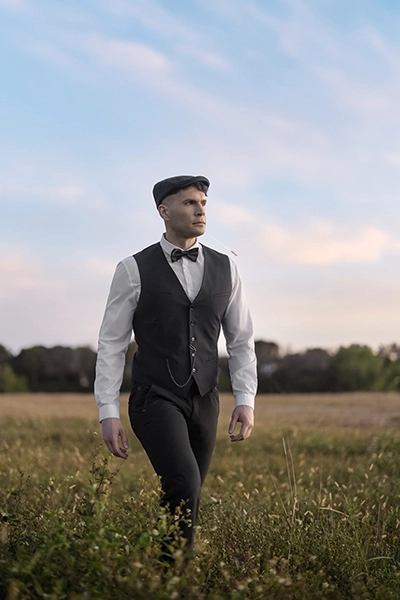
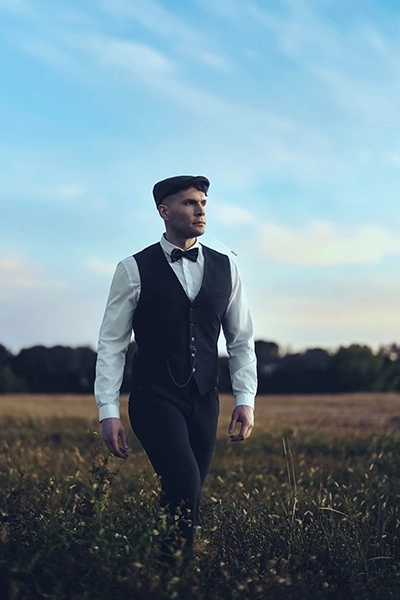
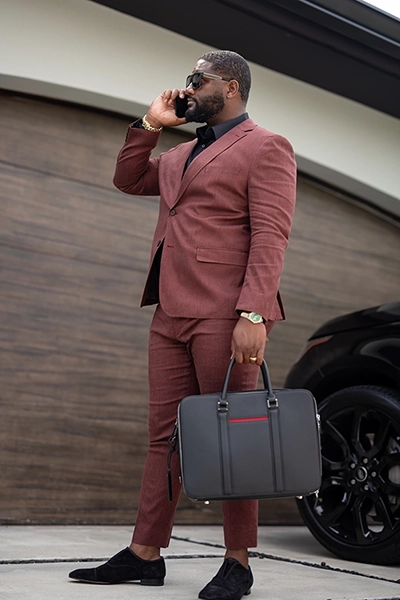
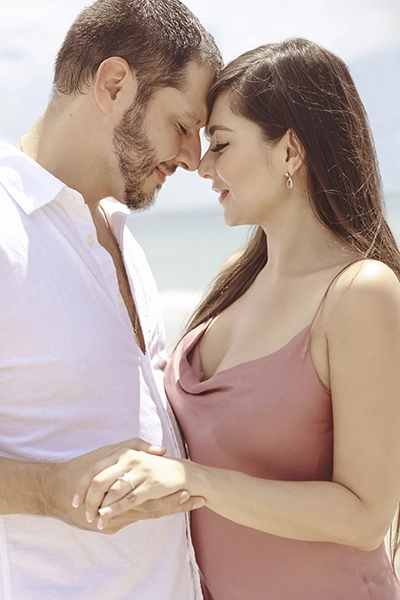
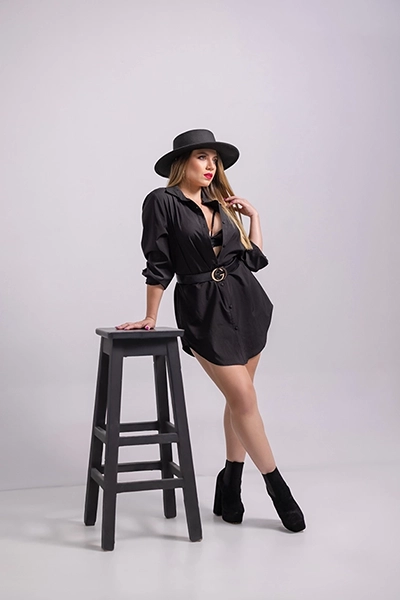
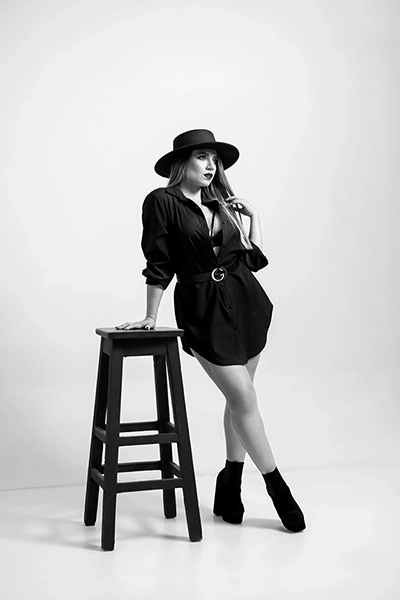
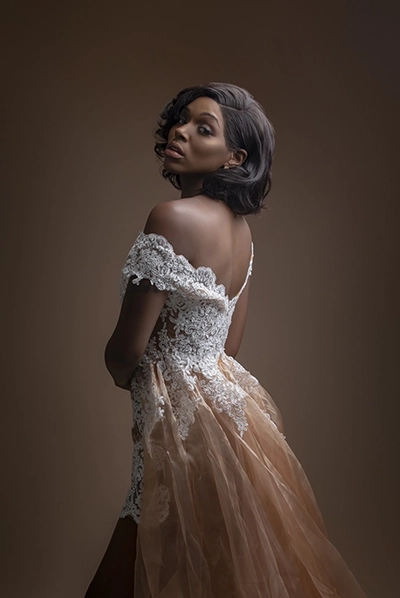
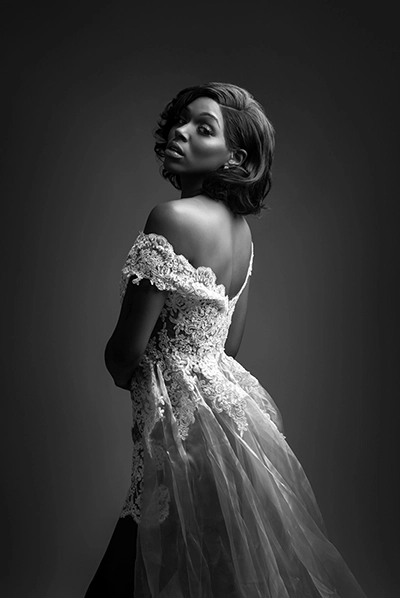
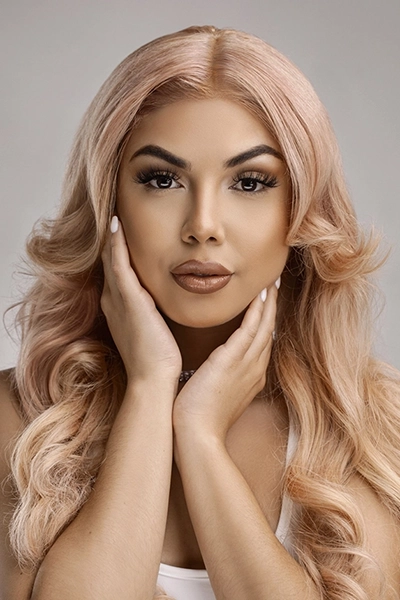
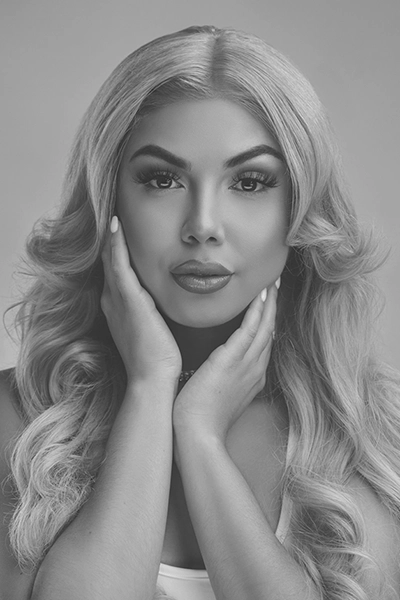
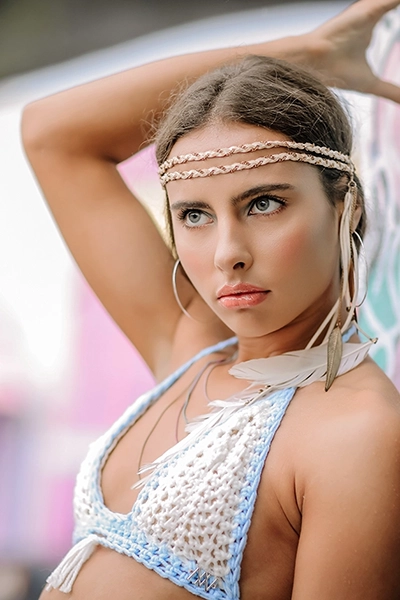
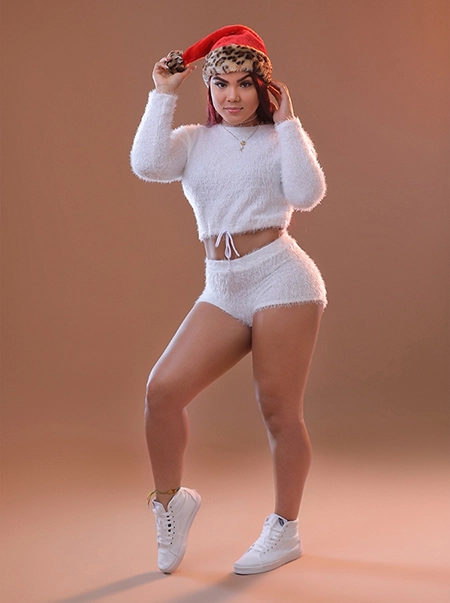
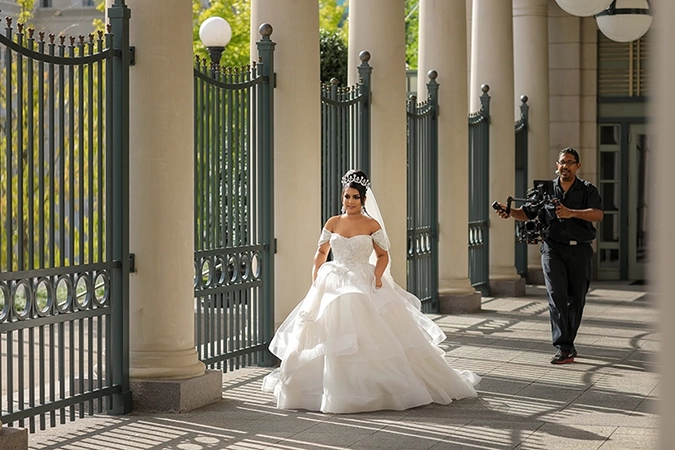
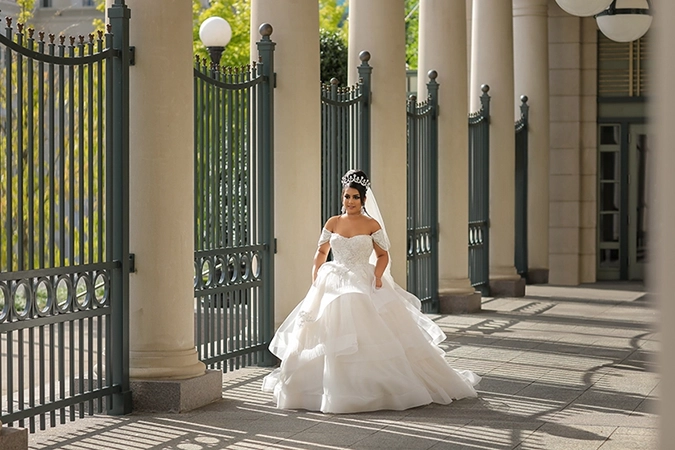
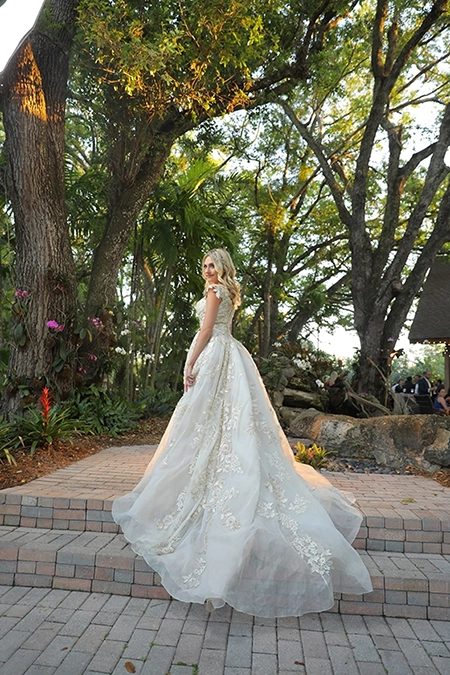
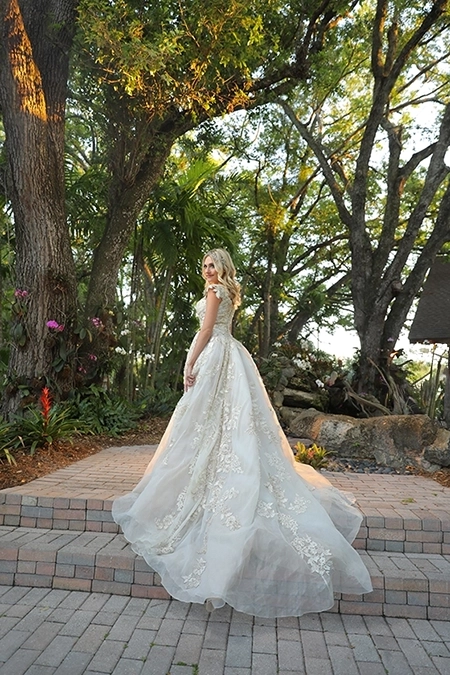
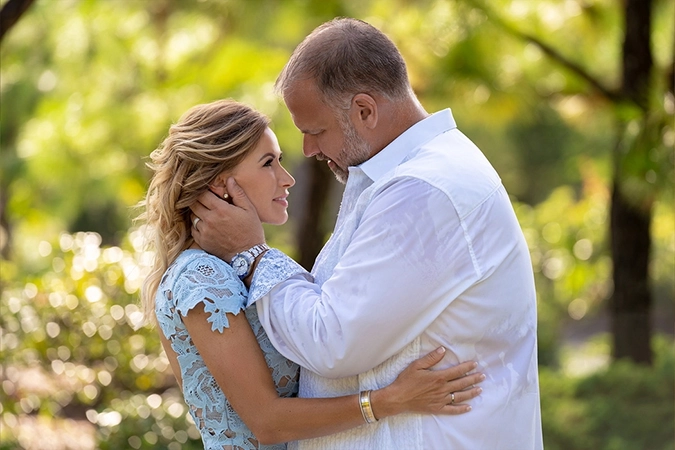
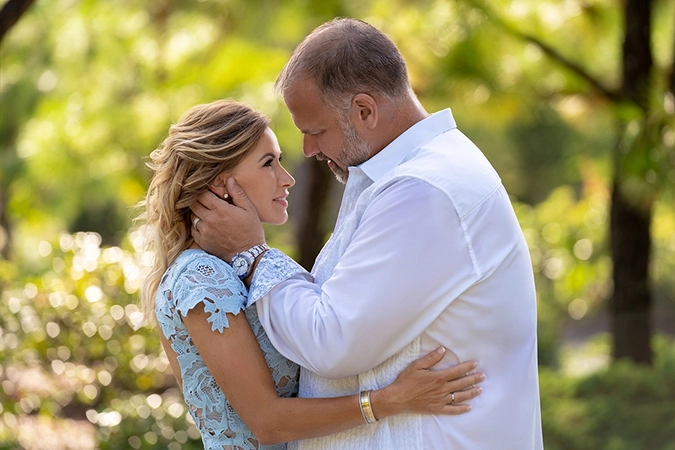
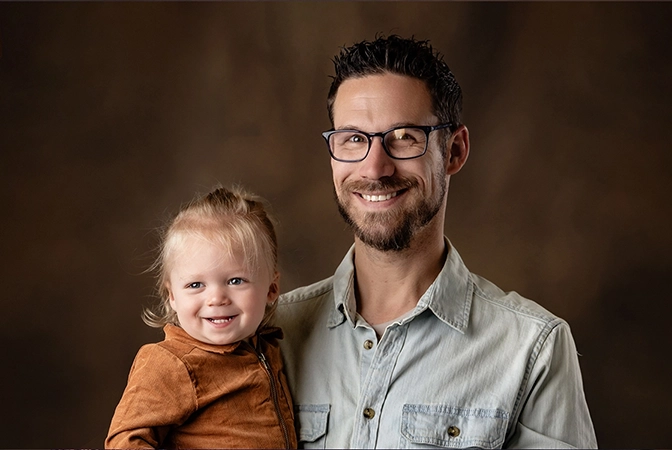
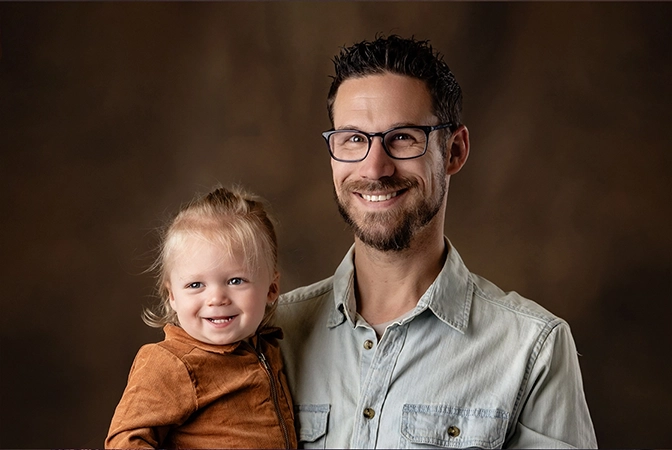
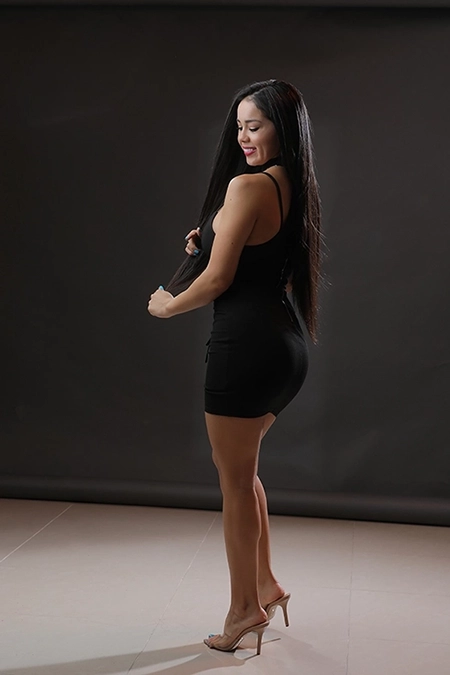
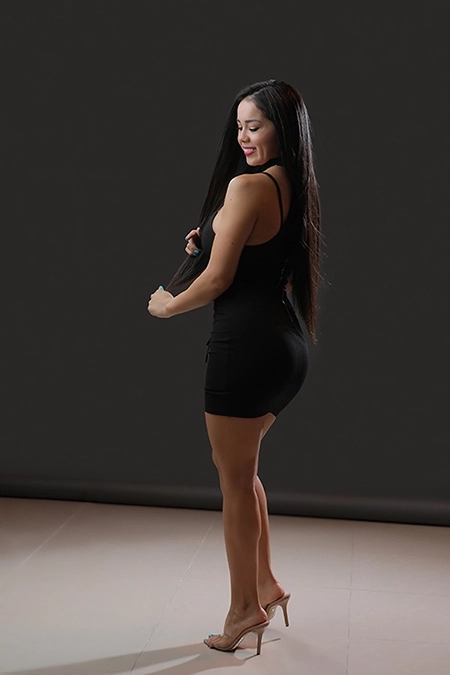
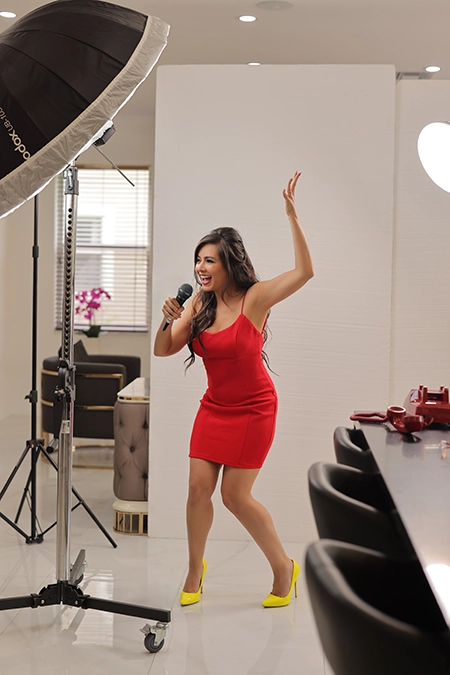
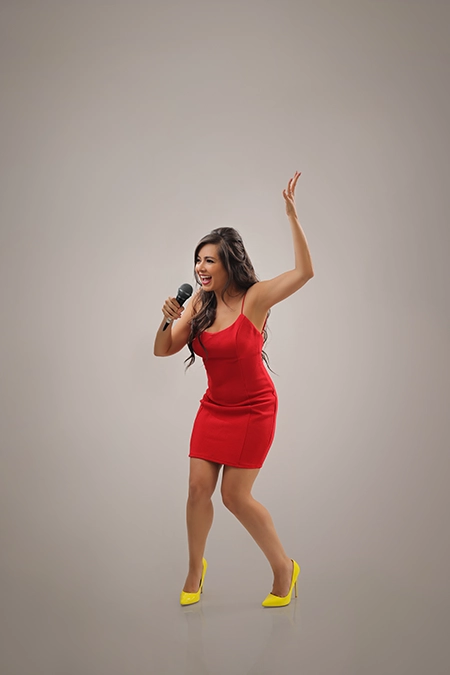
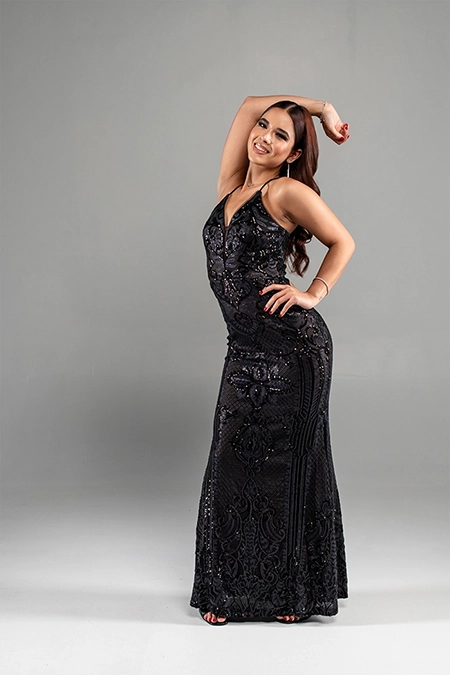
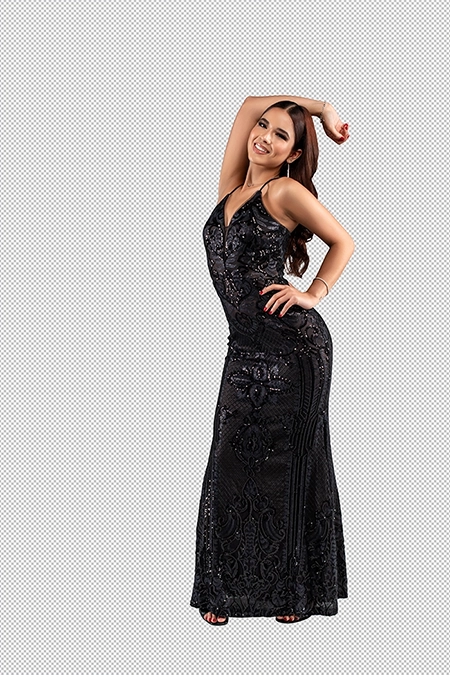
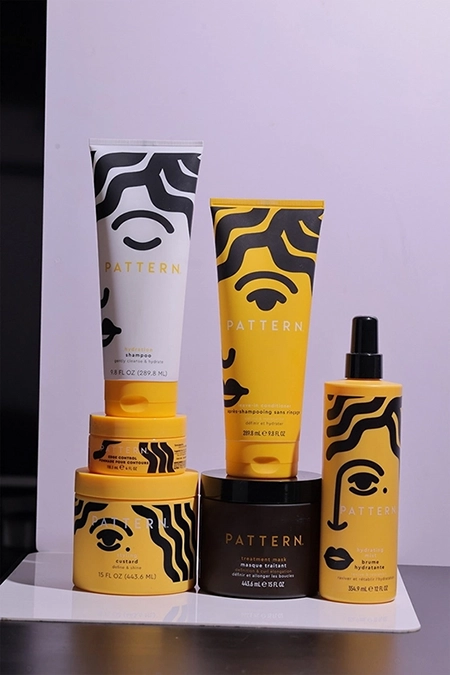
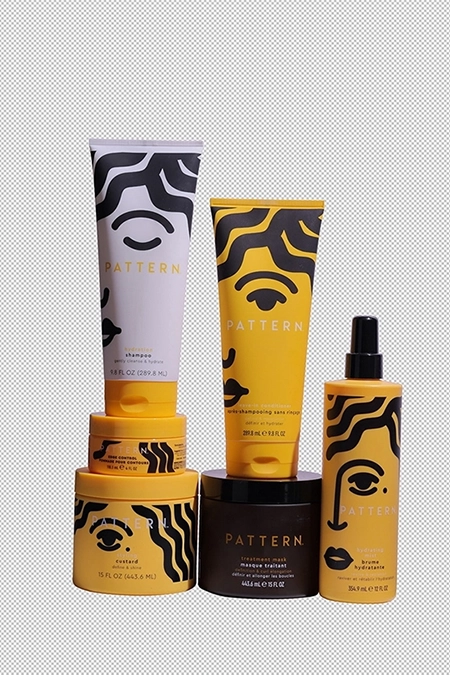
- Click any option on the top to see the transformation then Click on the image to compare Before and After.


- Click any option on the left to see the transformation then hover over the image to compare Before and After.
The list below explains the differences between PS Basic and Ai + Photoshop
Minimum Submission Limit | No Limit |
Changes Request | |
Retouching | Skin Retouching |
Remove Stray Hair | |
Distraction Removal | |
Color Correction | |
Fix Skin Color | |
Whiten Teeth | |
Liquify |
Minimum Submission Limit | 50 |
Changes Request | |
Retouching | Skin Smoothing |
Remove Stray Hair | |
Distraction Removal | |
Color Correction | |
Fix Skin Color | |
Whiten Teeth | |
Liquify |
A La Carte
We offer these a la carte options to support all of your requests and enhance your PS Basic and Bulk Edit service.
Remove Stray Hair
Advanced Filter
Extra Liquify
Swap
Removal
Composite Removal
Contact Us
Sky Replacement
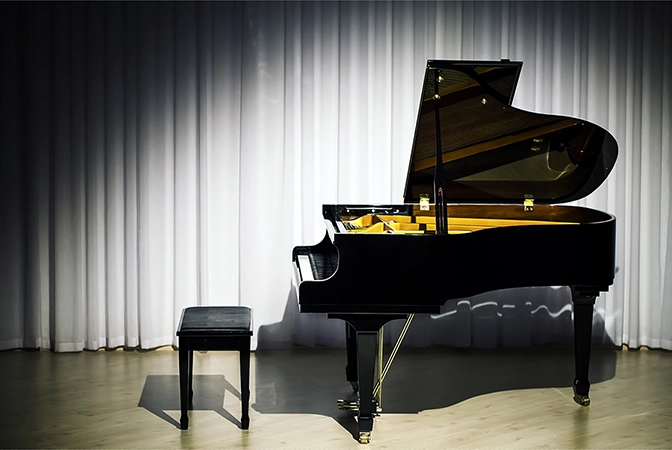
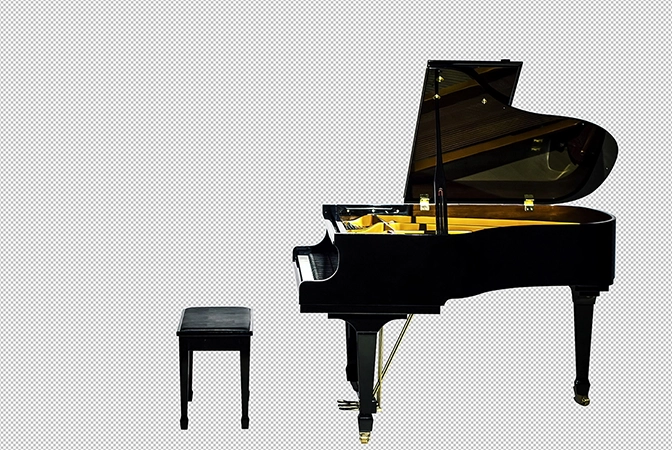
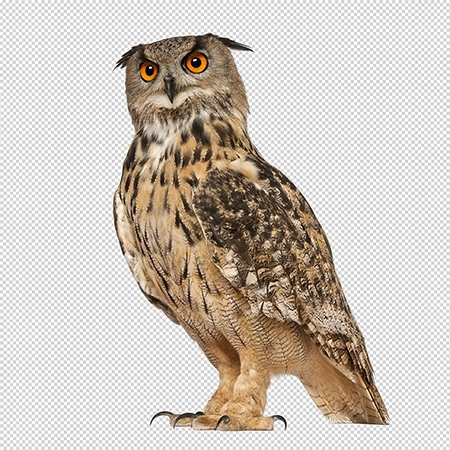
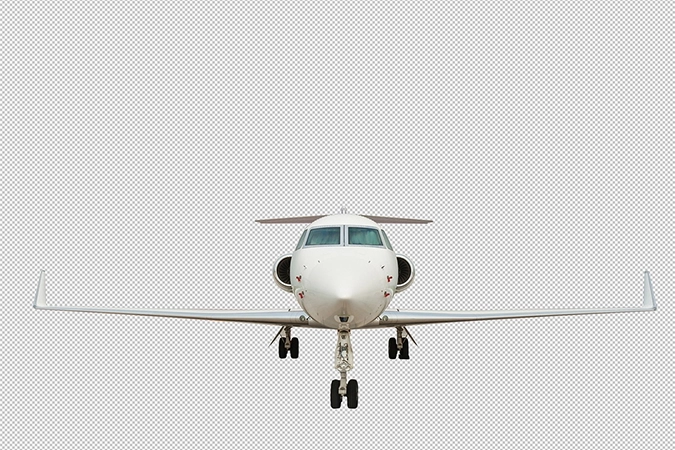
Clipping Path
$1 / $3
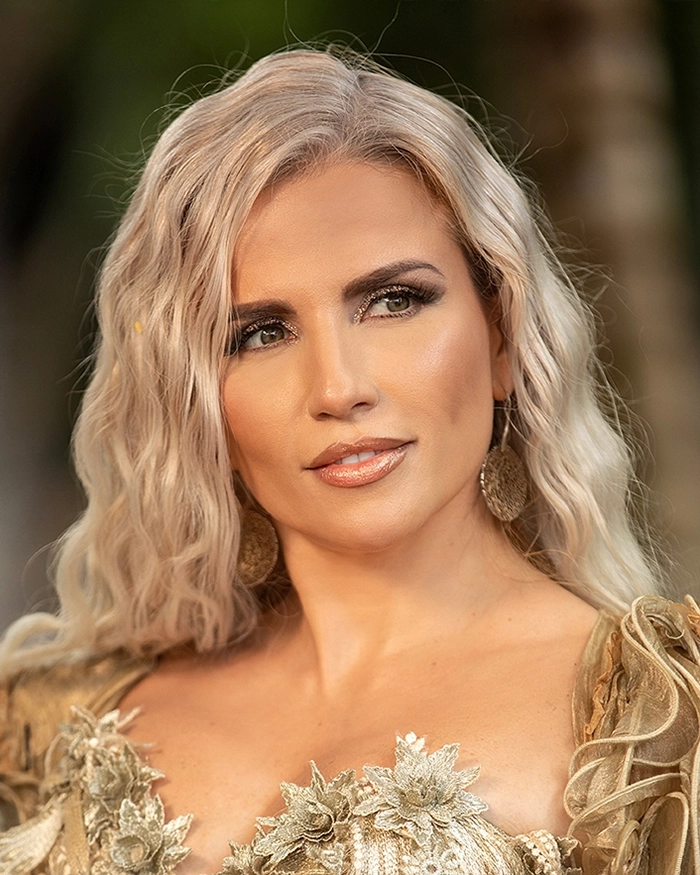
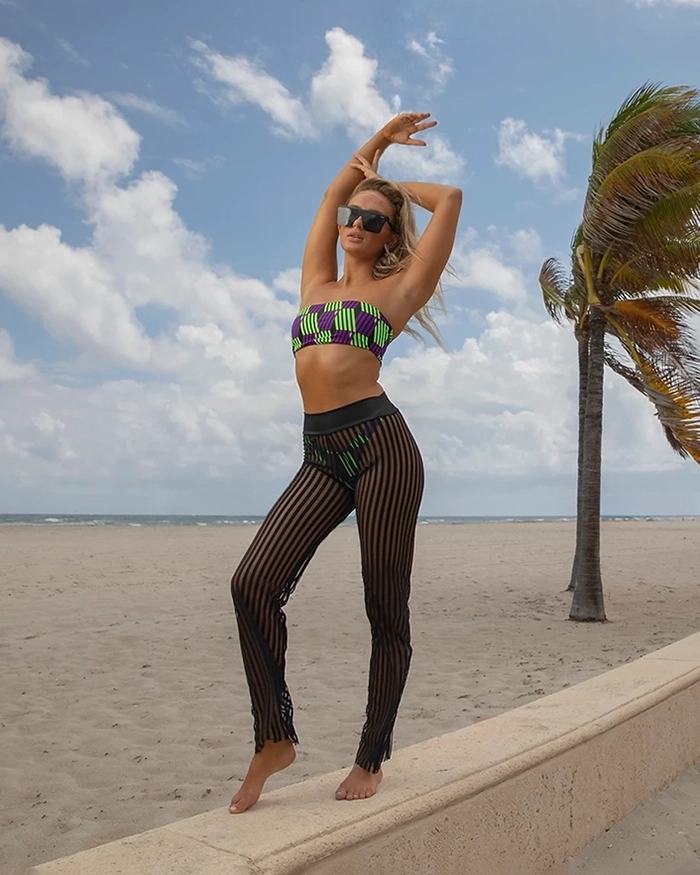
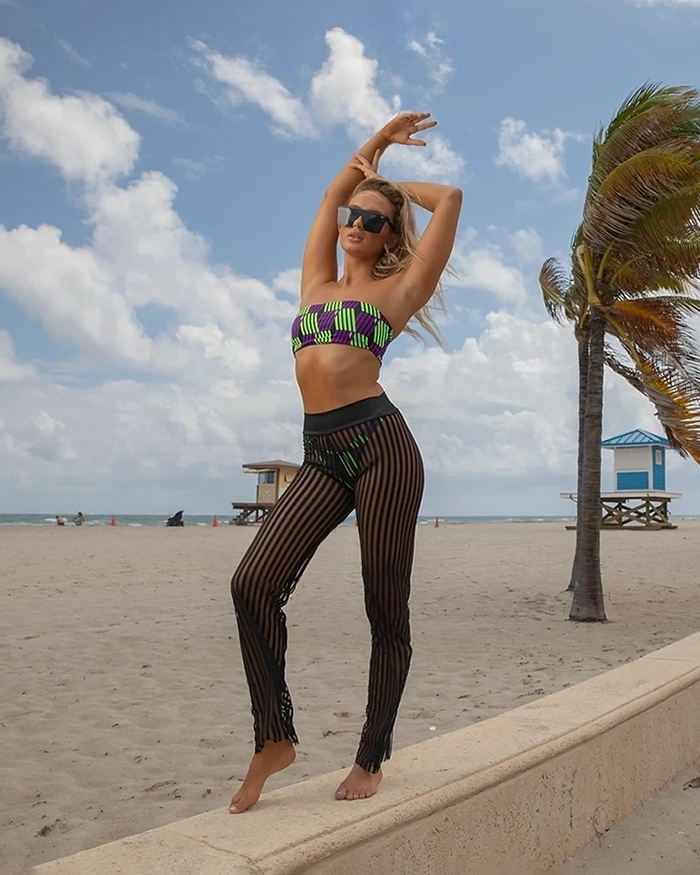
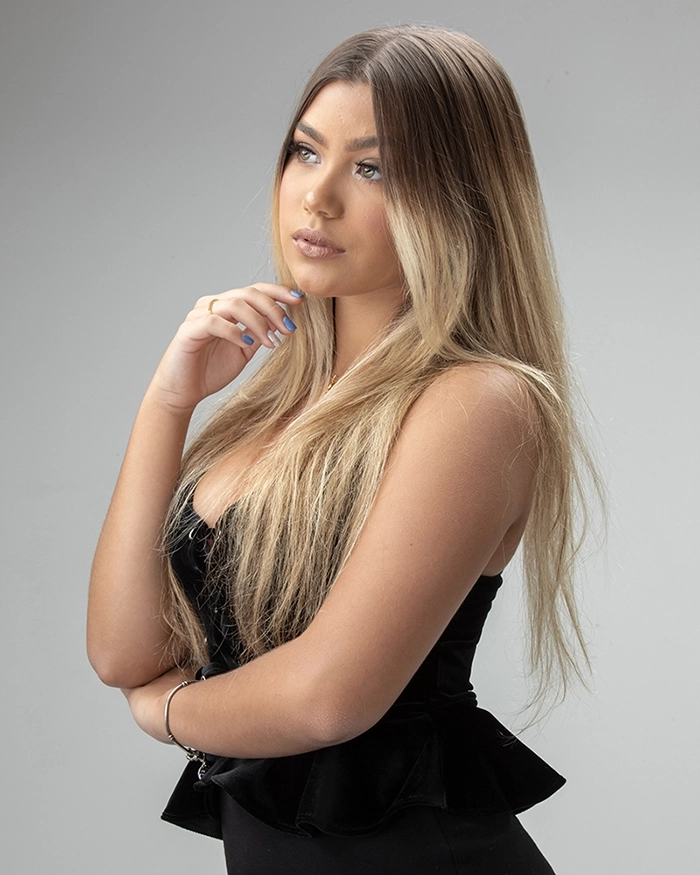
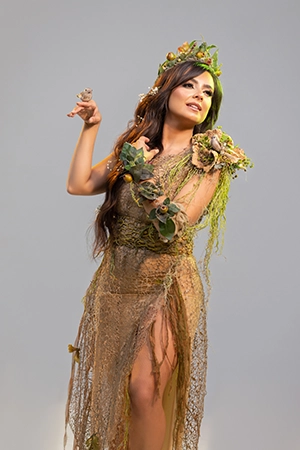
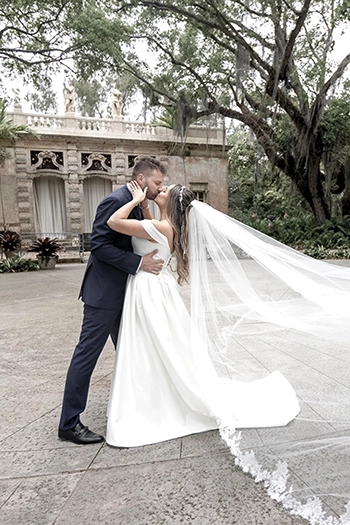
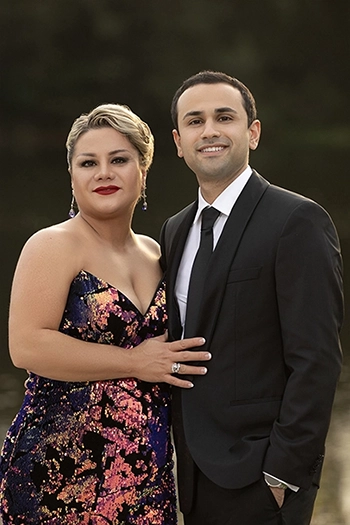
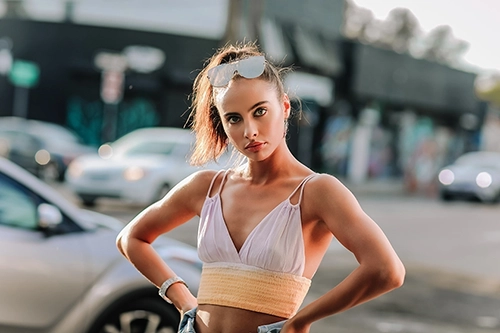
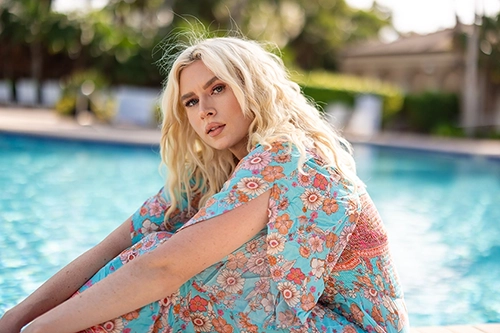
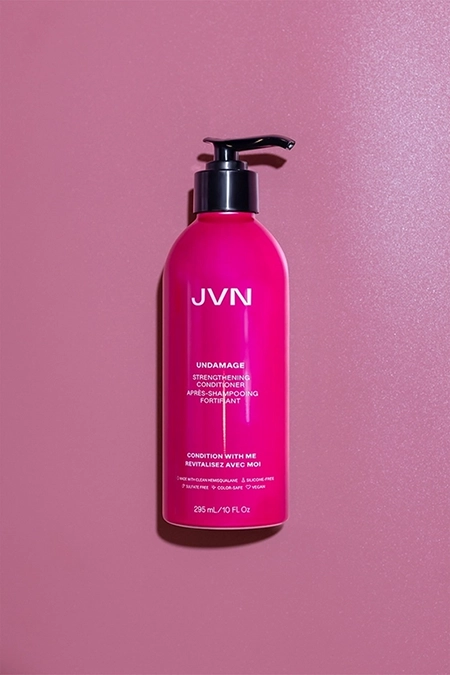
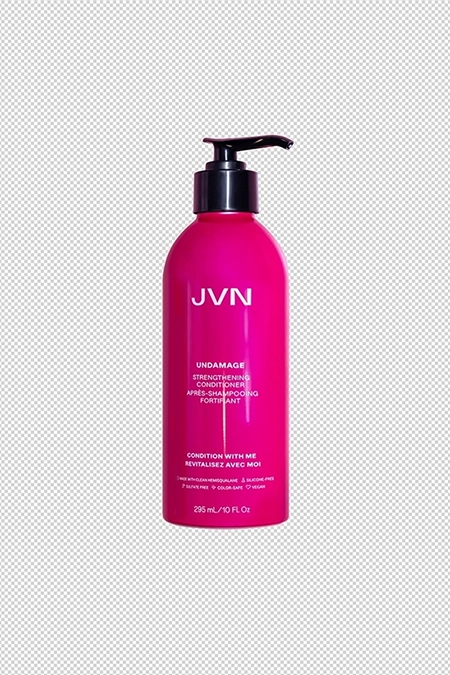
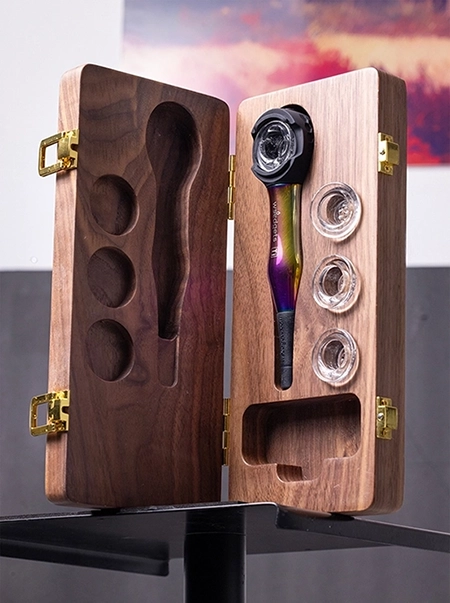
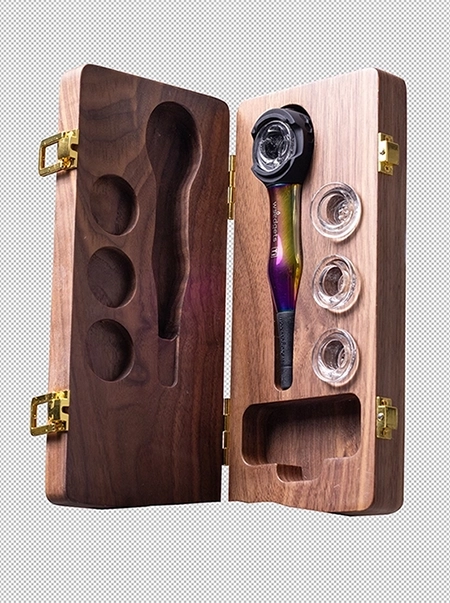
See Some PS Basic Samples
PS Basic |
FAQ
The aforementioned features differ in intensity and precision, with the PS Basic edits being more comprehensive than Bulk Edit.
You may give us color corrected photos, but providing RAW photos would yield a better result.
You may submit as many photos as you wish in a single order.
Liquify is a default feature of PS Basic. If your client would like more changes on their body, for example, changing the shape of their face, narrowing of the waist, slimming or shaping of the whole body, changing clothing placement; these requests can be achieved with the Extra Liquify a la carte.
Please note that more complex alterations involving distinct elements or the use of stock images are not offered in this service. We provide various sample images to illustrate these capabilities, but feel free to contact us if you have any questions.
Yes, you can purchase the a la carte options of PS Basic as standalone features to be applied to your photos. You can opt out of the baseline offerings of PS Basic at your wish.