Photoshop Pro
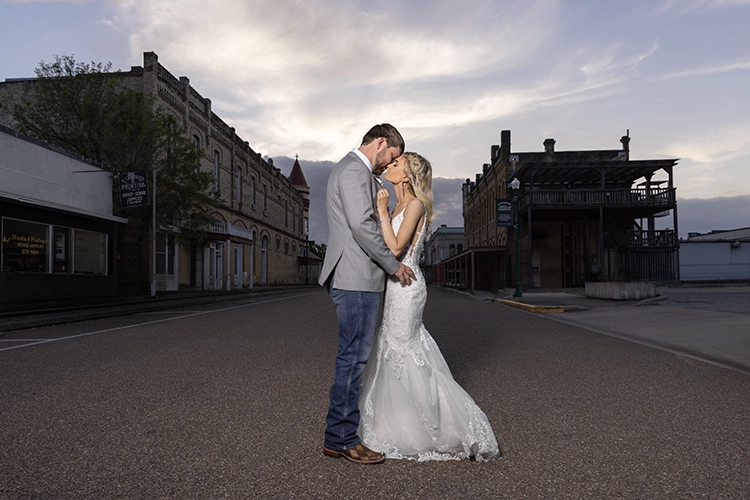
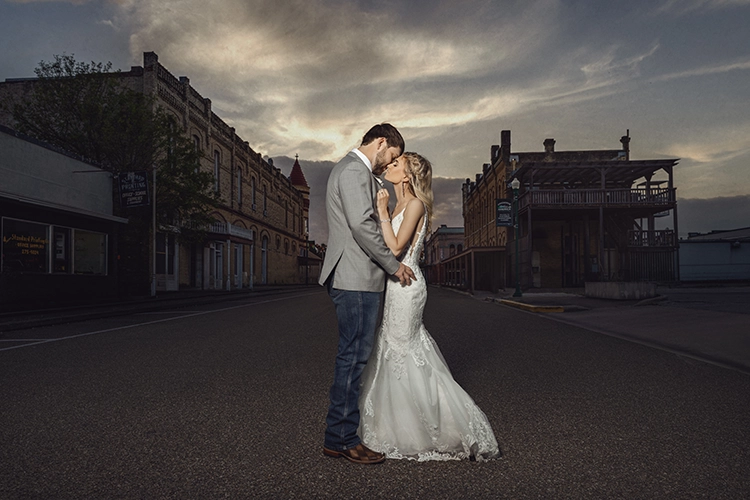
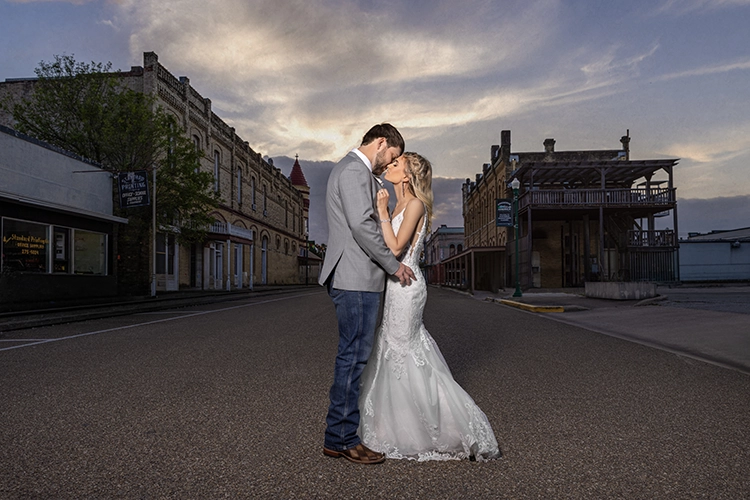
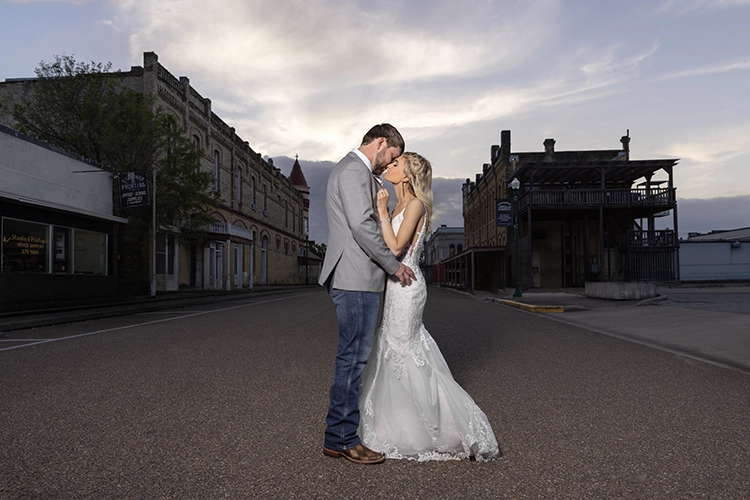
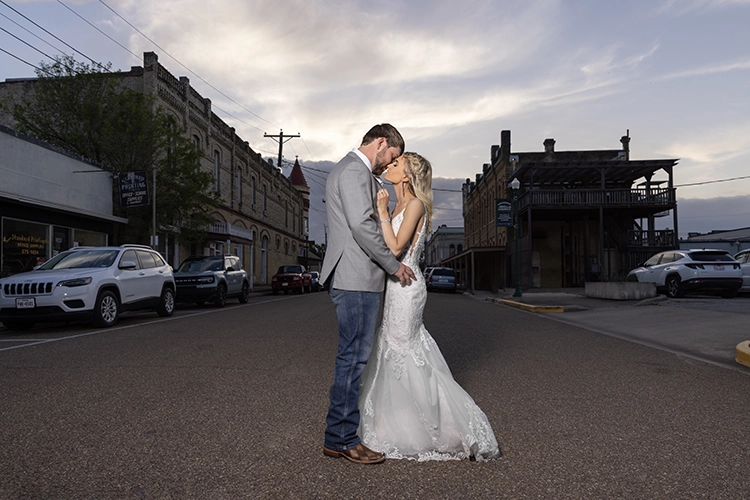
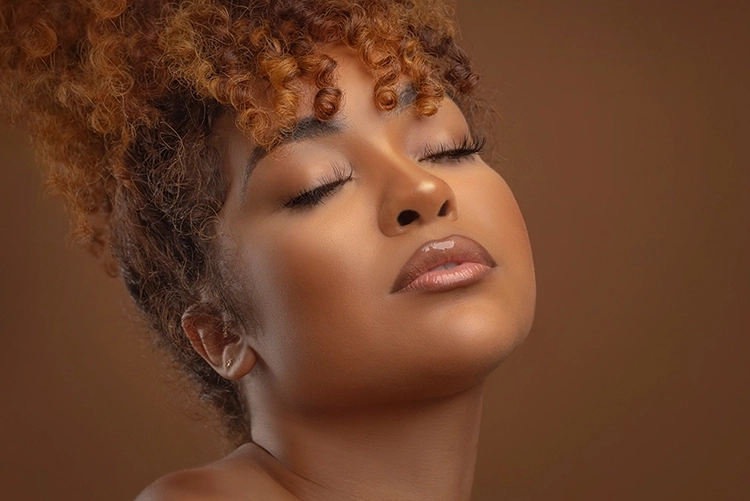
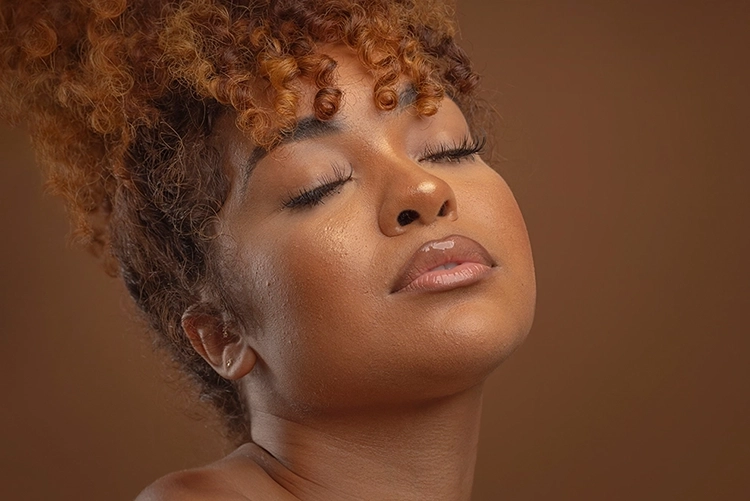
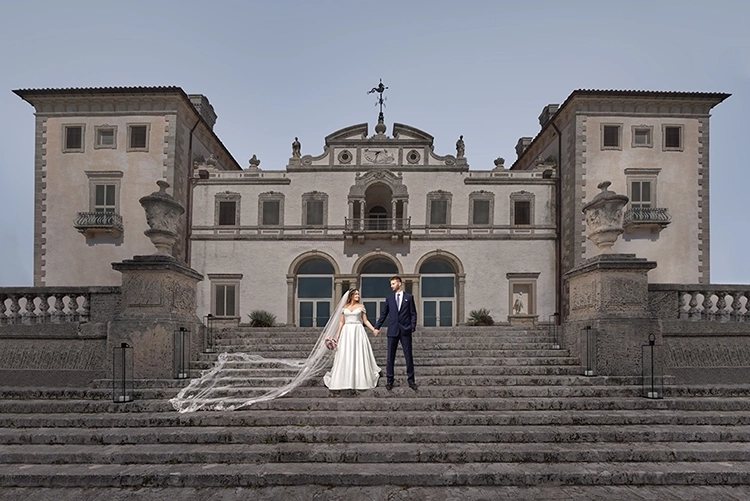
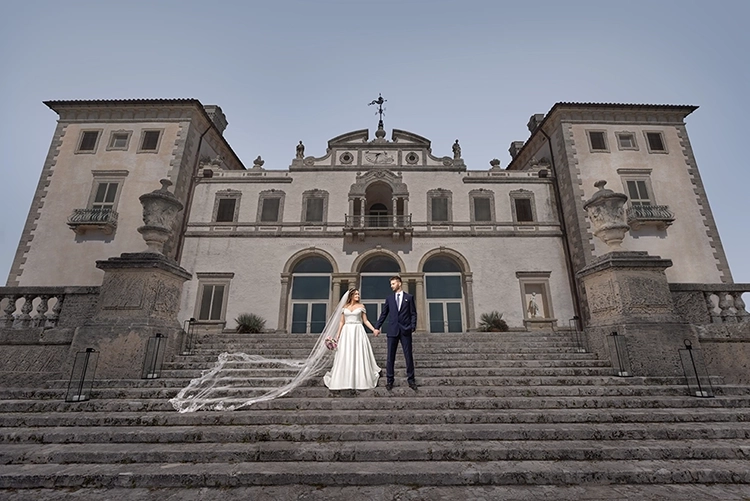
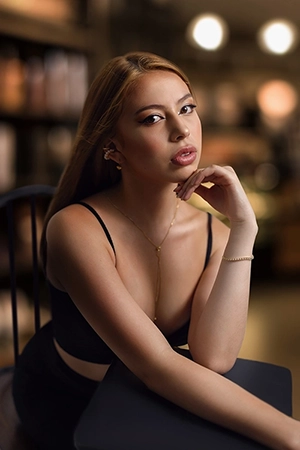
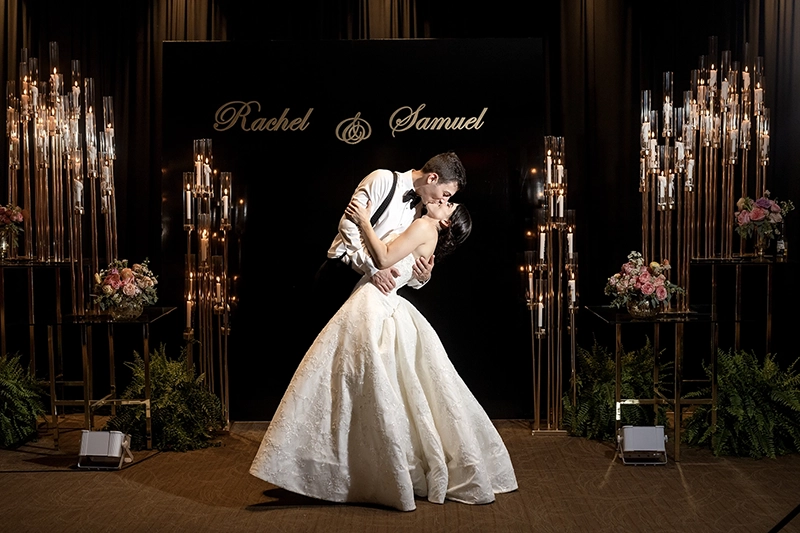
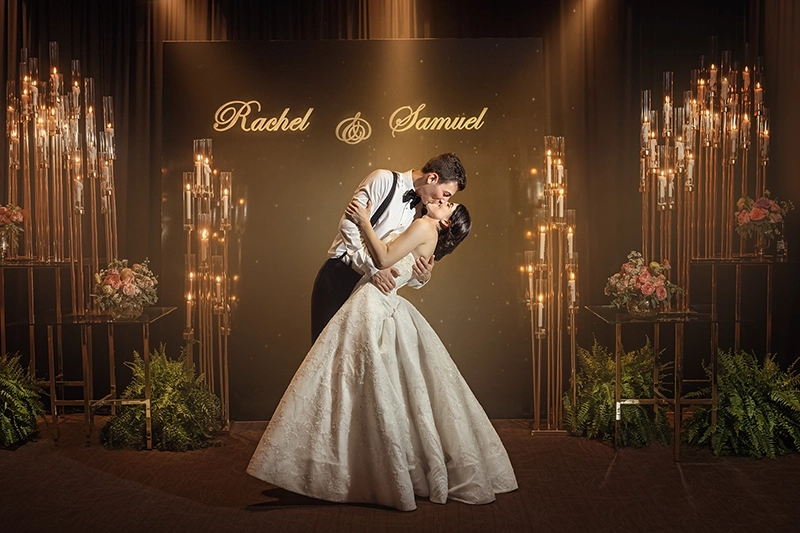
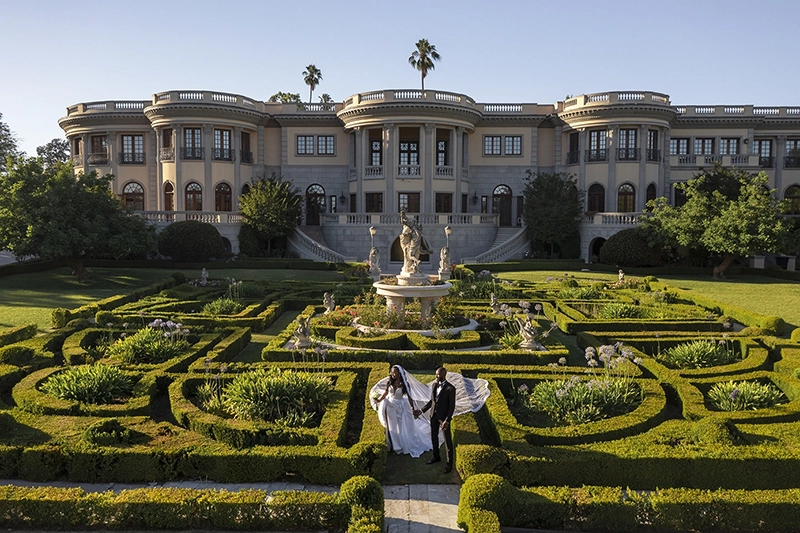
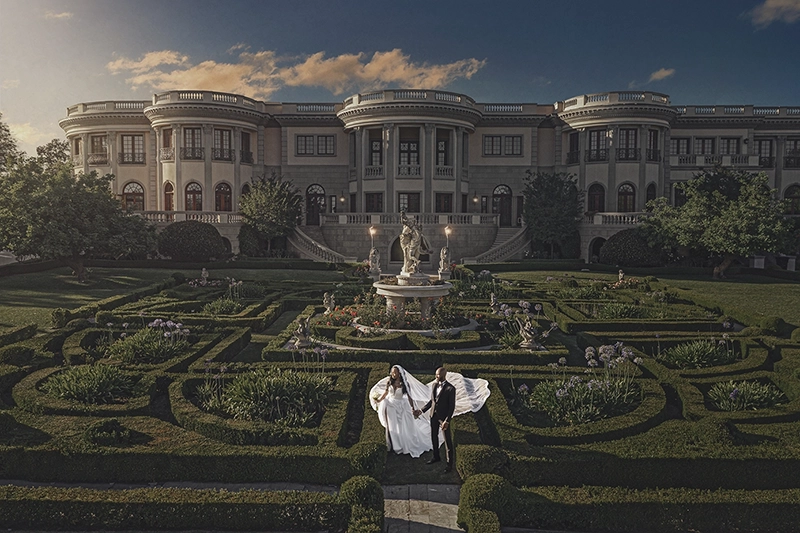
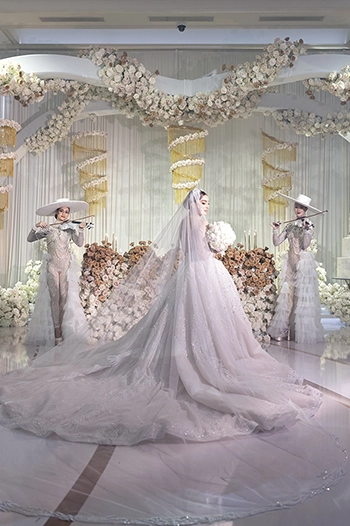
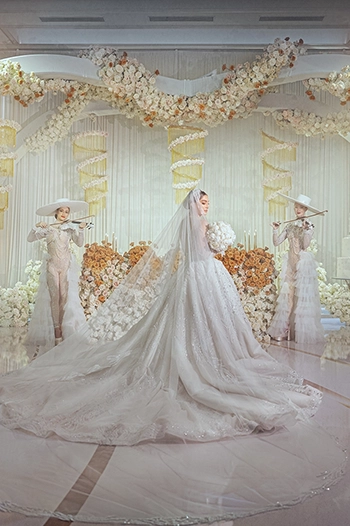
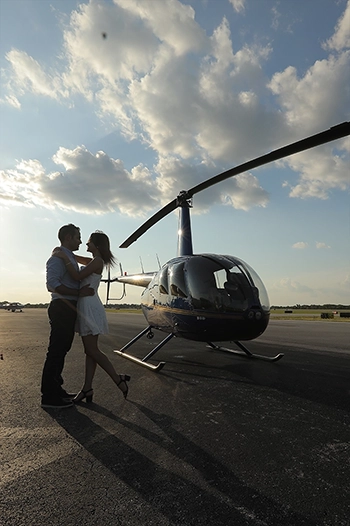
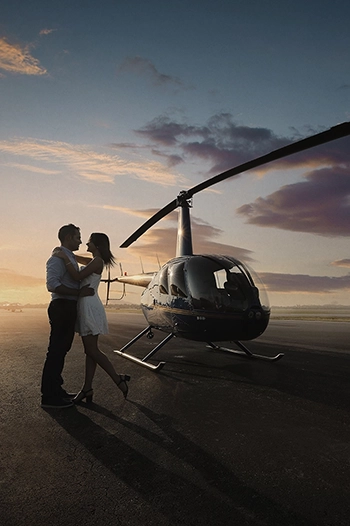
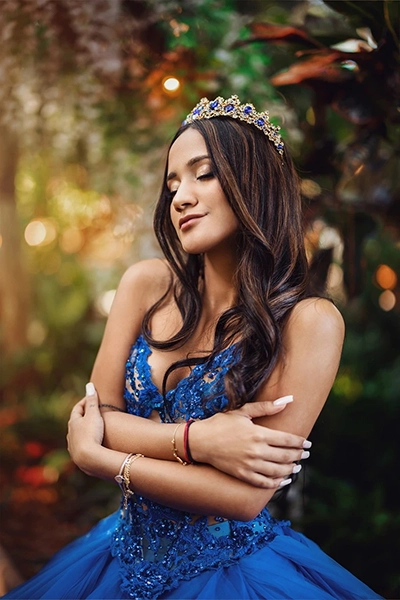
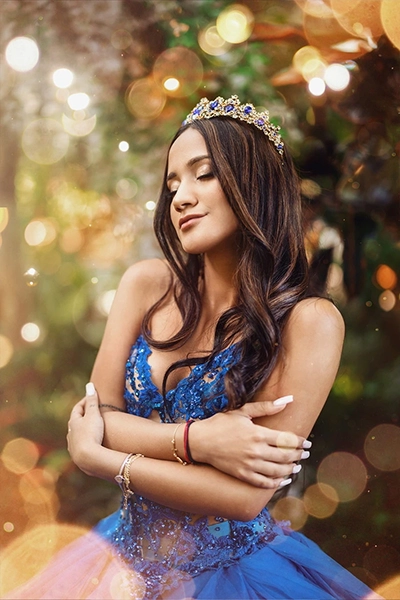
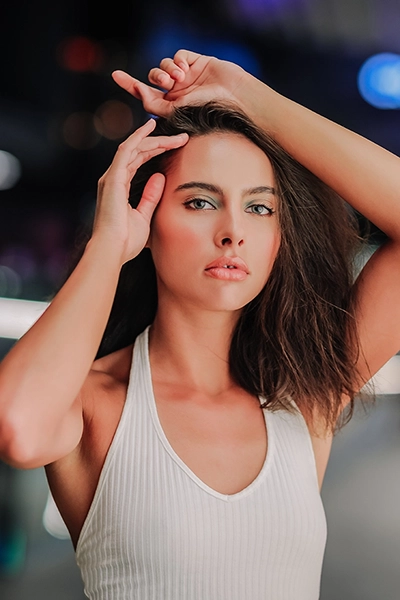
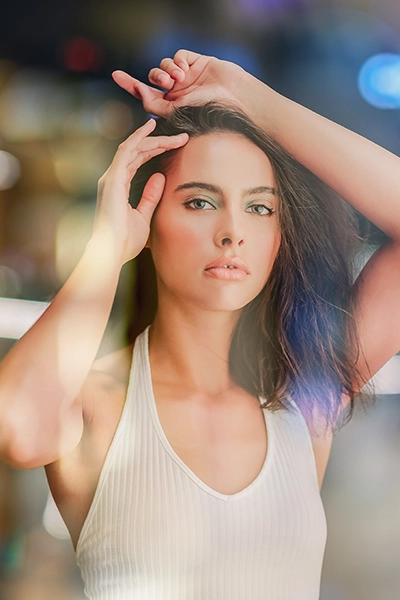
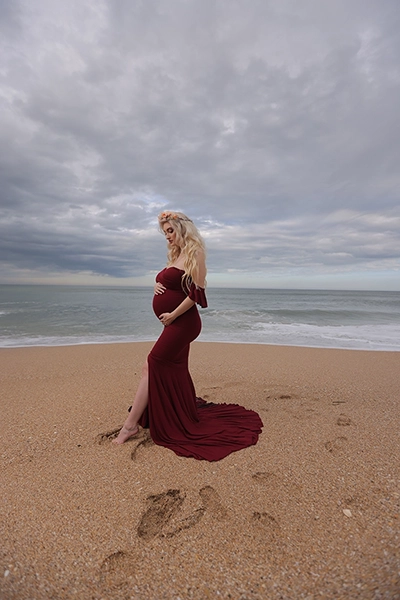
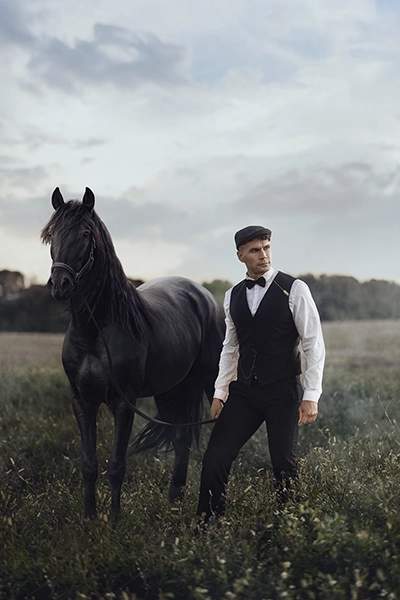
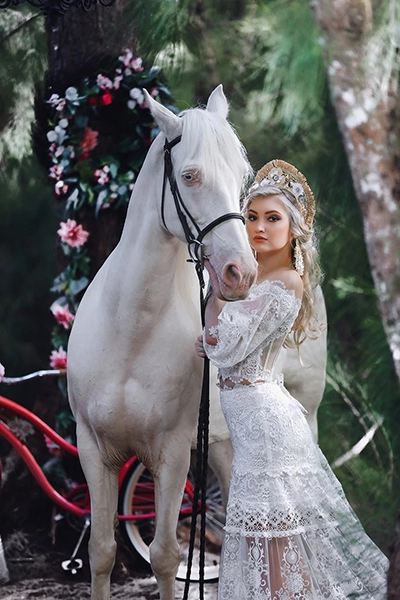
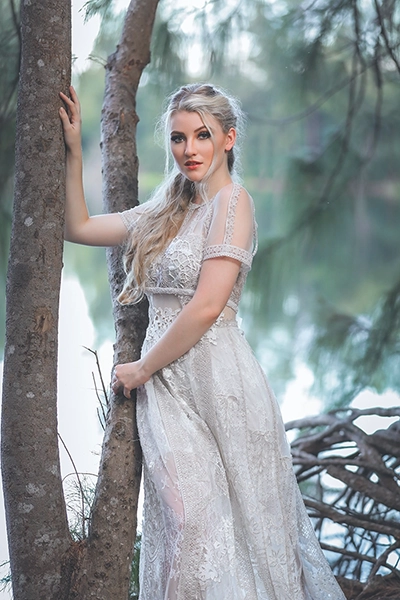
Get beautifully refined images at an affordable price point. Our Photoshop Pro service combines advanced photo enhancement, color grading, major object removal, distortion correction, and frequency separation to produce professional quality results while keeping your editing costs under control.
No Membership
$30 | Per Image
Pro Membership
$24 | Per Image
Basic Membership
$27 | Per Image
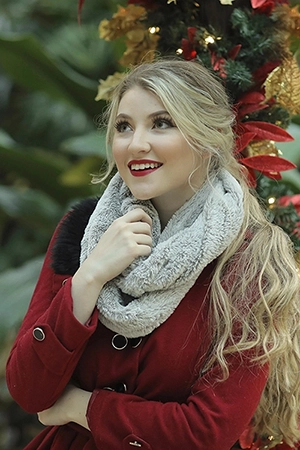
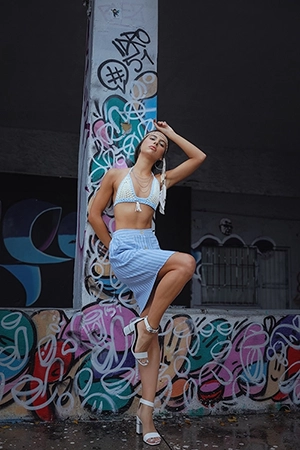
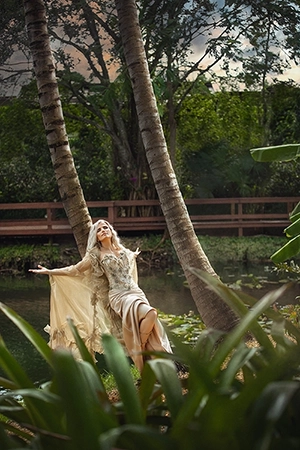
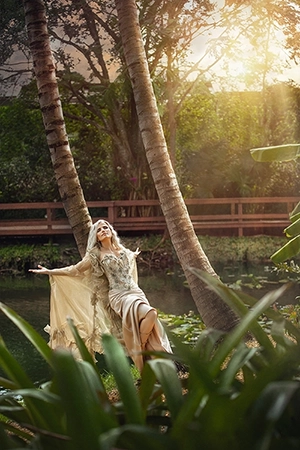
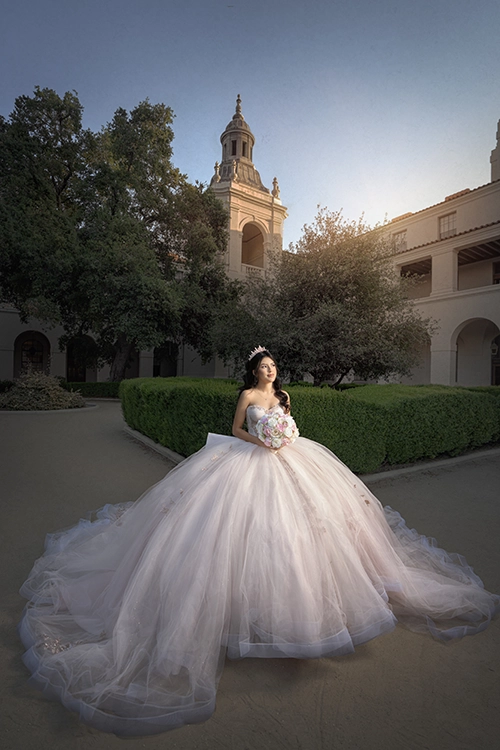
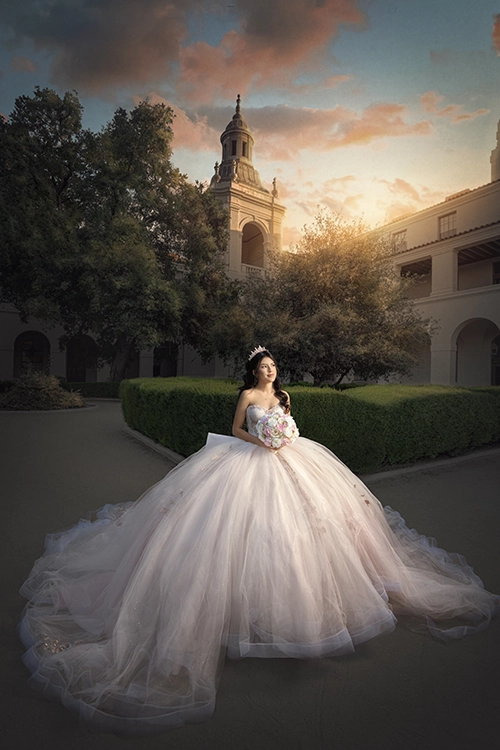
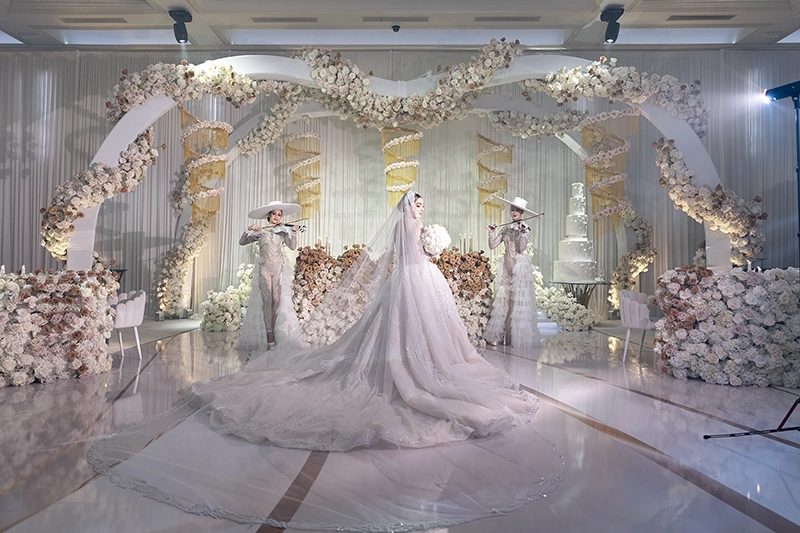
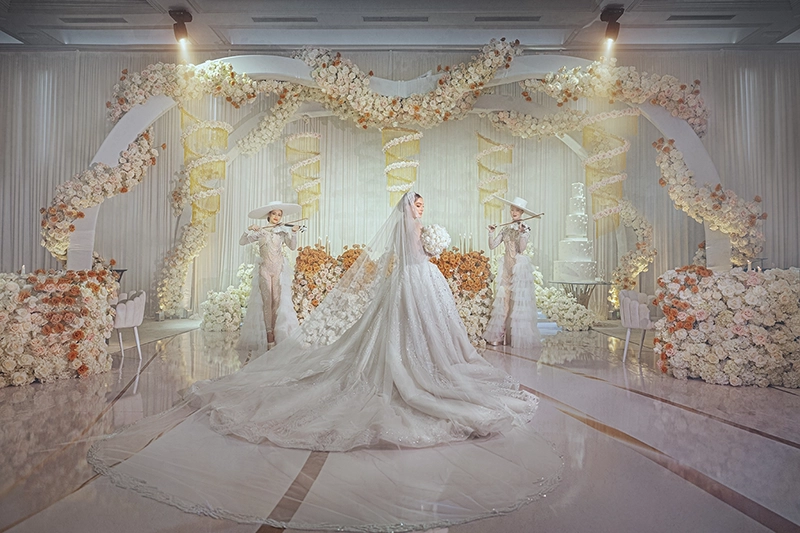
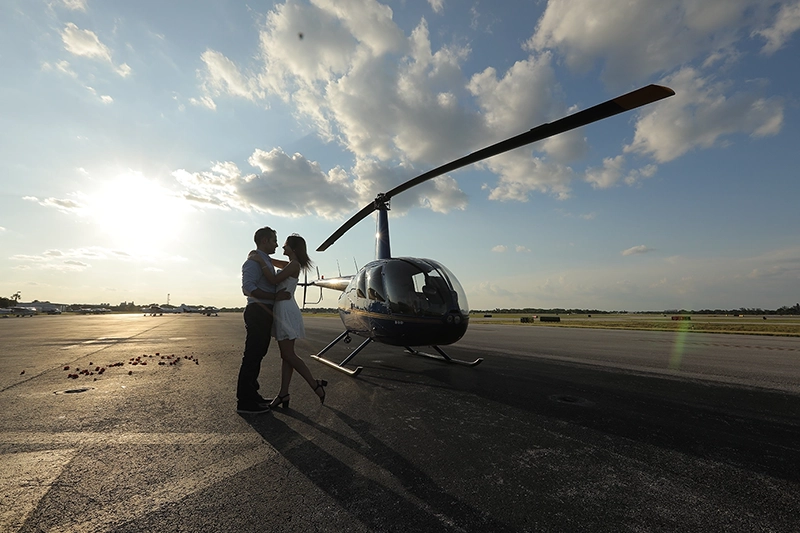
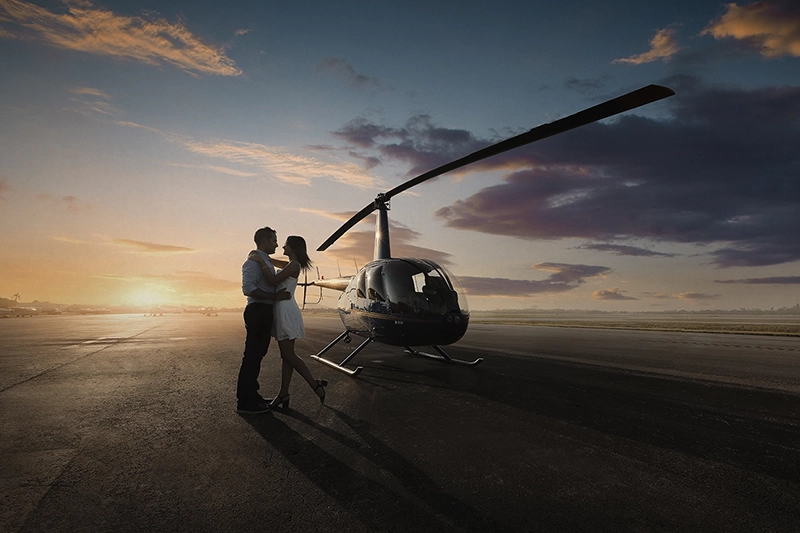
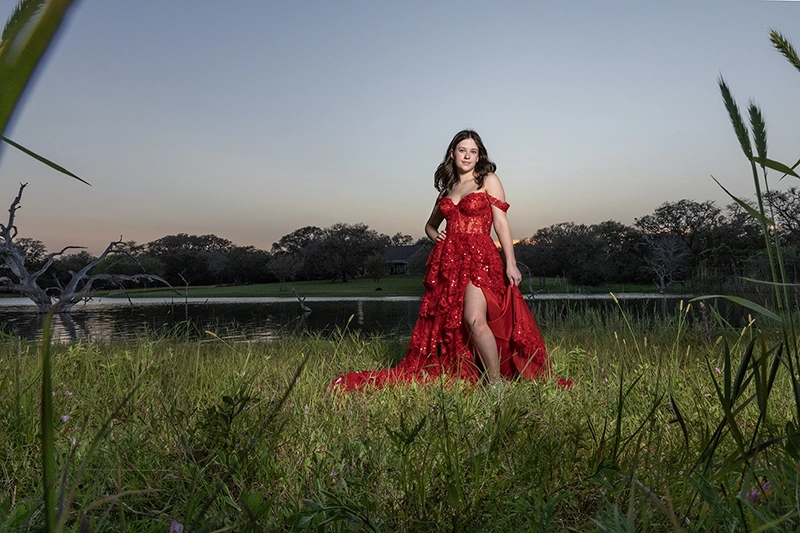
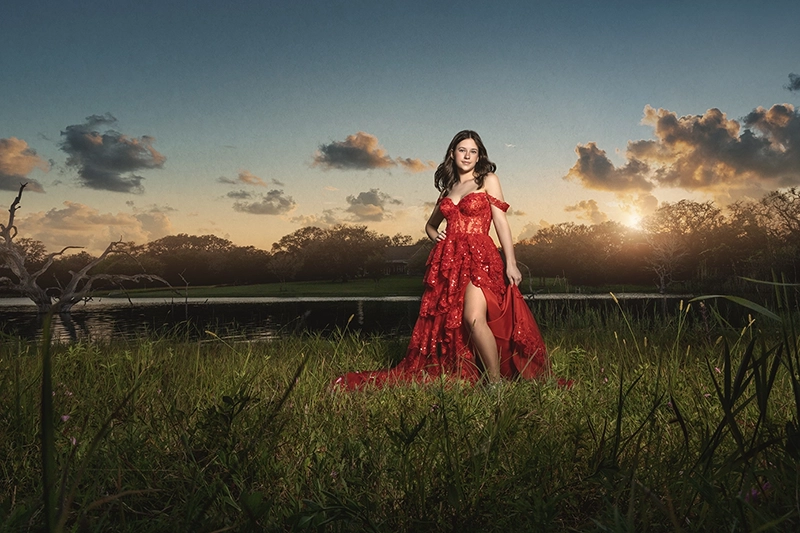
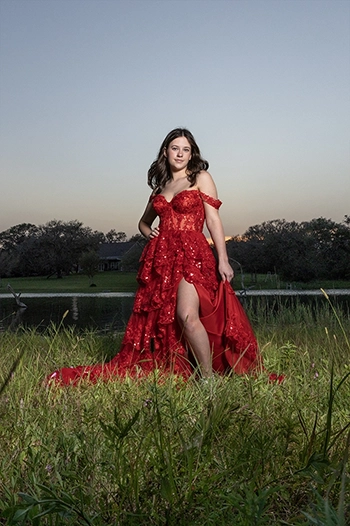
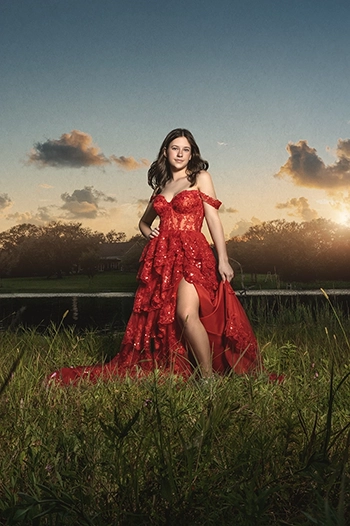
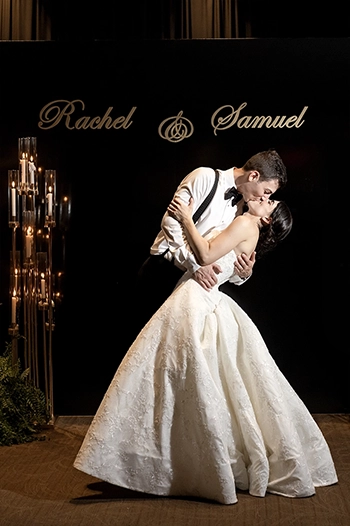
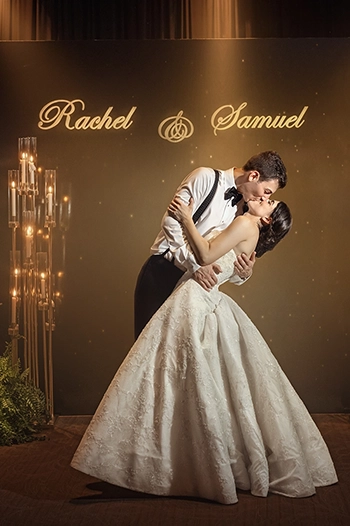
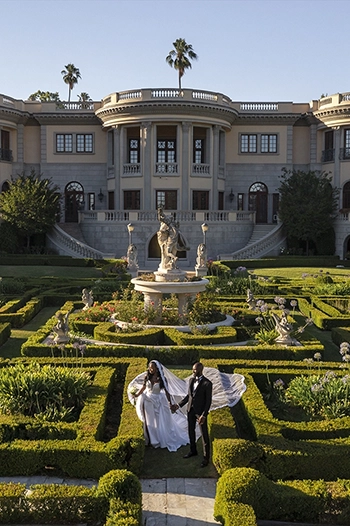
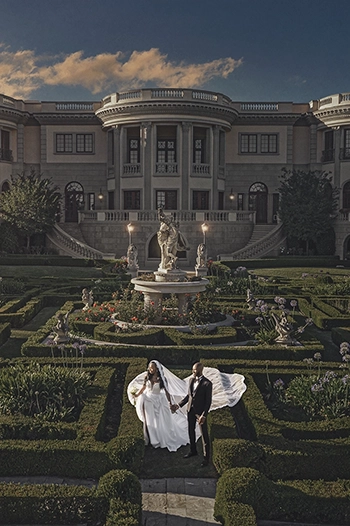
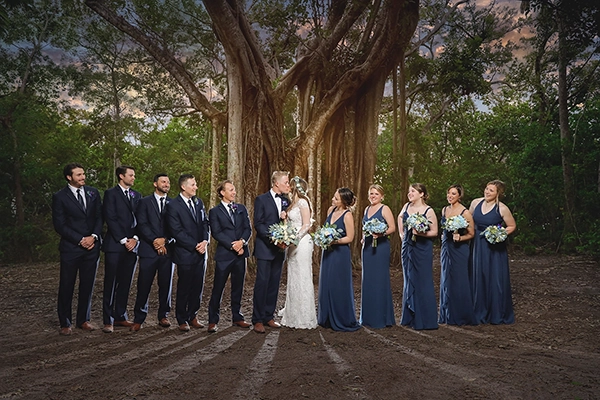
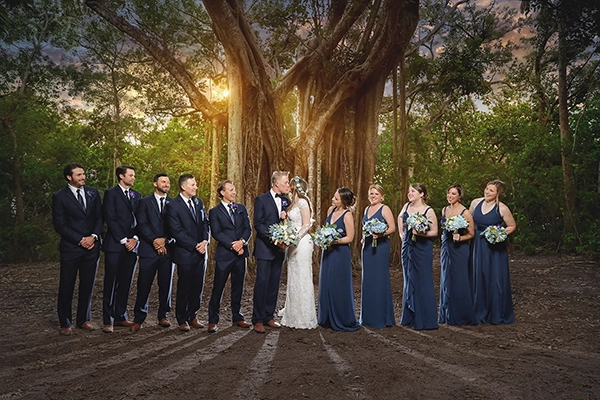
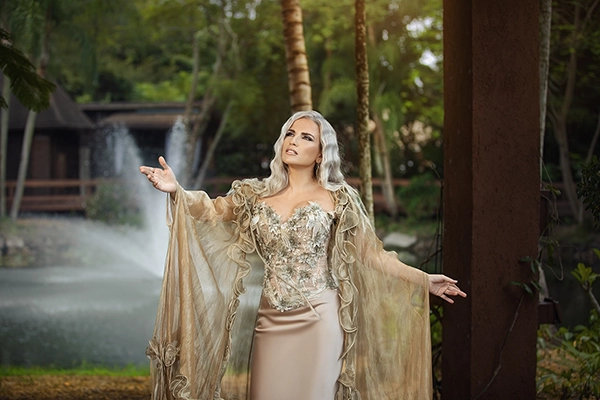
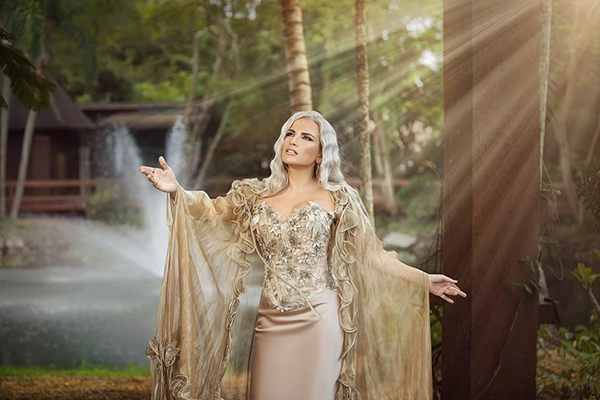
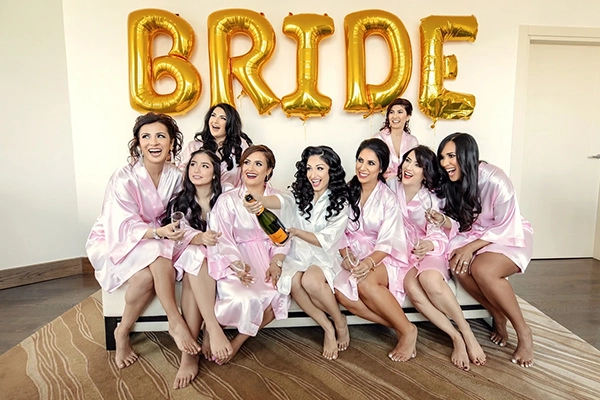
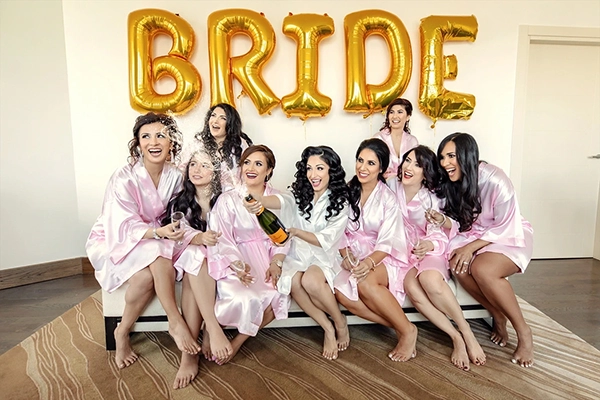
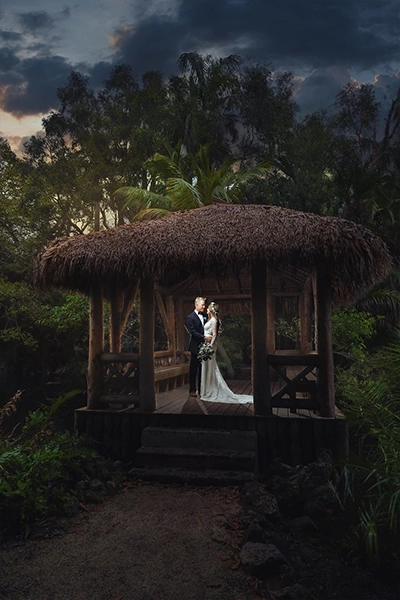
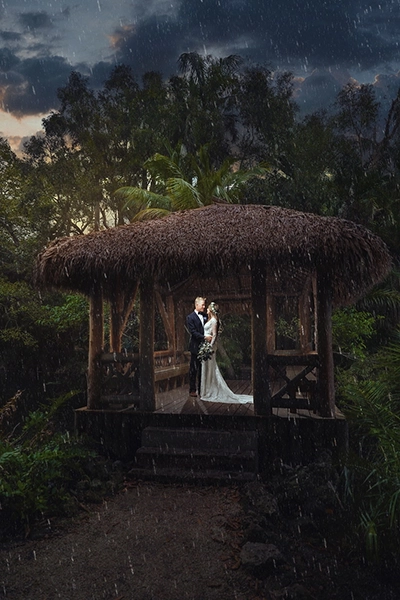
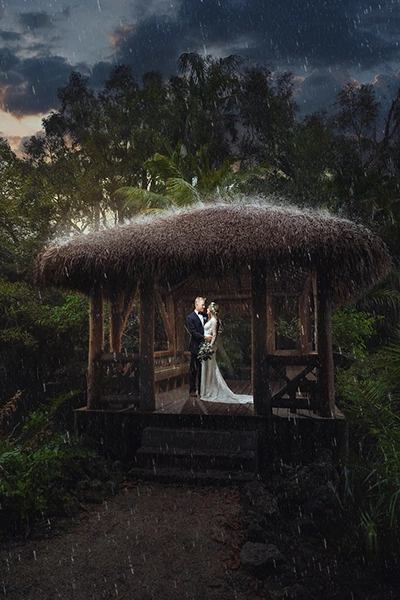
- Click any option on the top to see the transformation then Click on the image to compare Before and After.


- Click any option on the left to see the transformation then hover over the image to compare Before and After.
Add Elements in Photoshop Pro
Want your edit to stand out even more? Add optional enhancement elements to upgrade your image for an additional fee.
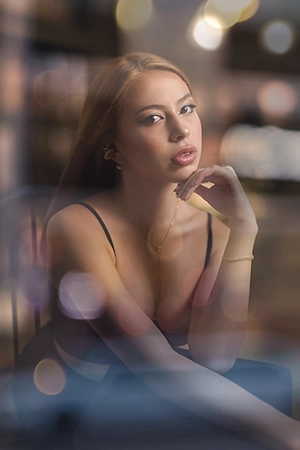
Bokeh Effect
$10
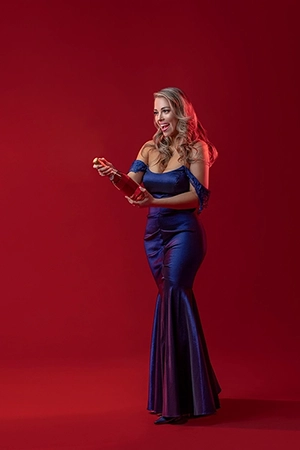
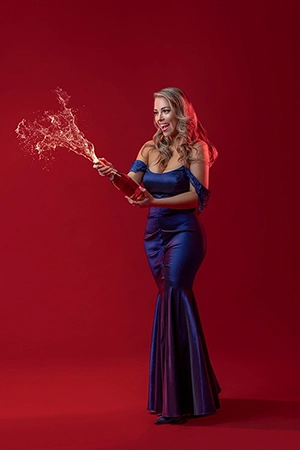
Champagne
$10
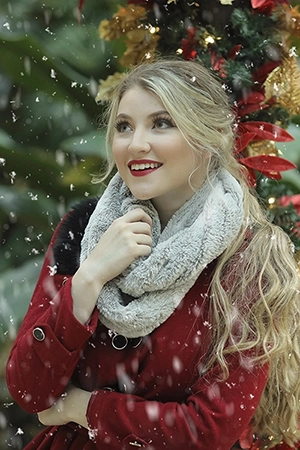
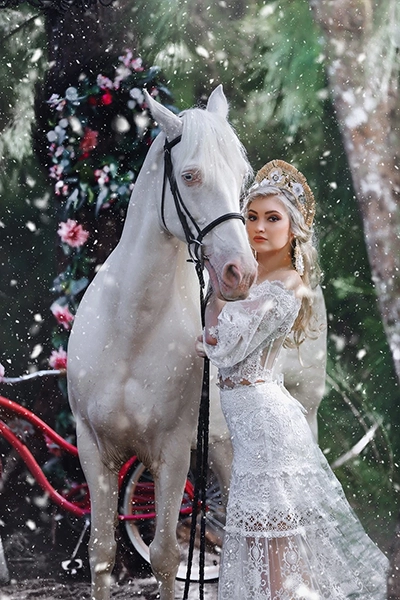
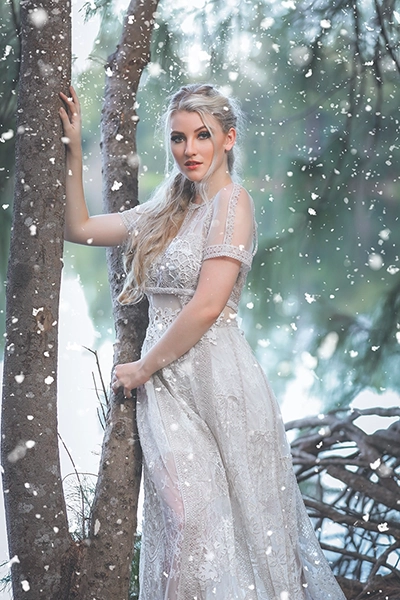
Snow
$10
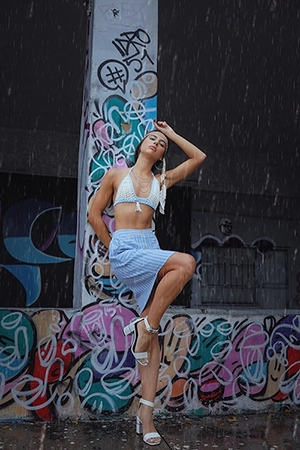
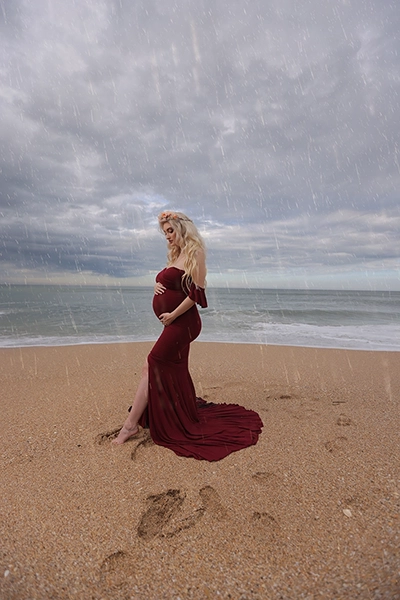
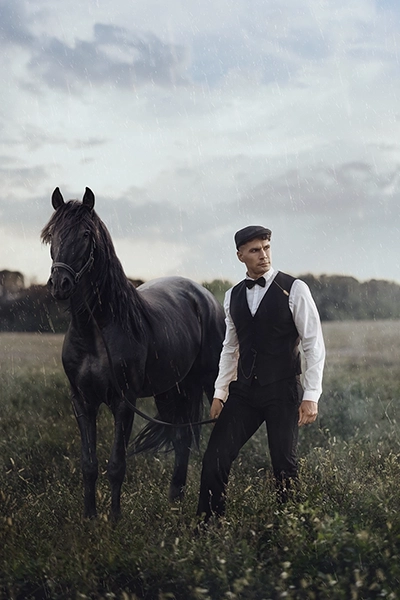
Rain
$10
Sun Flare
$10
Photoshop Pro
AndCreative Edit
Comparison
Photoshop Pro
Creative Edit
Enhancement | |
Color Grading | |
Major Removal | |
Frequency Separation | |
Distortion Adjusting | |
Sky Replacement | |
Light Painting | |
Bokeh Effect | +$10 /image |
Champagne | +$10 /image |
Snow | +$10 /image |
Rain | +$10 /image |
Sun Flare | +$10 /image |
Enhancement | |
Color Grading | |
Major Removal | |
Frequency Separation | |
Distortion Adjusting | |
Sky Replacement | |
Light Painting | |
Bokeh Effect | |
Champagne | |
Snow | |
Rain | |
Sun Flare |
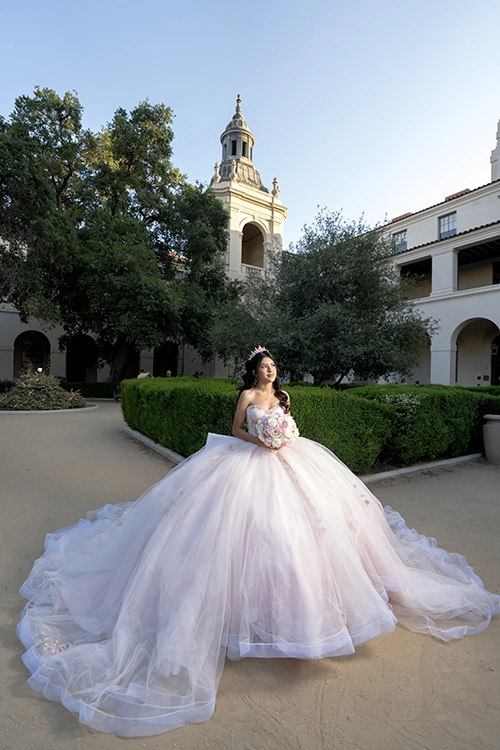
See Some Photoshop Pro Samples
Creative Edit |
FAQ
The Creative Edit service includes Frequency Separation Retouching, a technique that separates the color and tone of skin from its textures and details, allowing for perfect preservation of texture and detail. The difference between this retouching method with the retouching offered in previous services may not be visible in wide-angle photos, but if you have a photo where the subject covers a large part of the frame, the importance of this type of retouching method becomes significant. In addition, cleaning the makeup and working on the color and optical details of the skin will create a better result. In general, the Frequency Separation Retouching, Liquify and Dodge & Burn in Creative Edit will yield a better result.
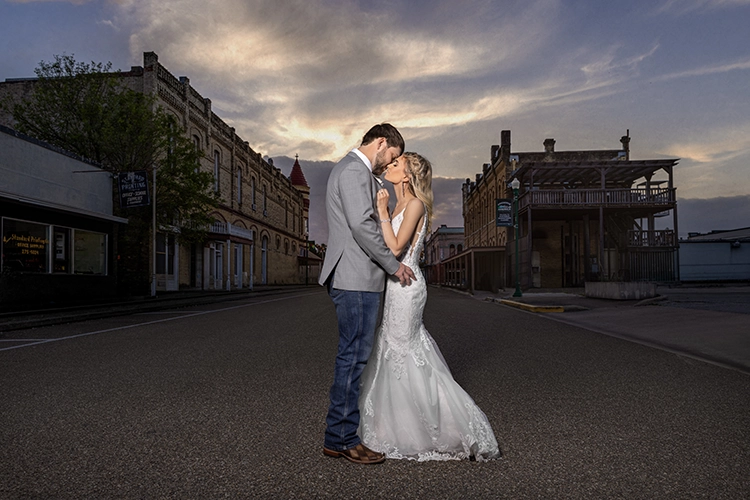
Color Correction means adjusting the primary color and lighting of the photos to bring the Raw photo to something more normal-looking. In Color Grading, which is the next step after Color Correction, colors are worked on separately to achieve a set of tones, styles, colors and filters tailored to the customer’s desired style and preferences.
You have the option to request any type of sky you prefer, but it is advisable that the chosen sky is close to the time of the original photography, or at least ensures the lighting conditions match the selected sky.
The background changes made in Creative Edit are primarily related to Photo Enhancement. The only thing that changes completely is the sky. If you require changes to the ground, trees, mountains in the background or adding flowing objects like veil, smoke etc. you should consider choosing the Manipulation service.